Emesent Knowledge Base
This is the Emesent Knowledge Base for all things Emesent product knowledge, including guides, resources, and support.
Browse by Topics
Explore documentation and resources across key Emesent product areas.

Getting Started
Set up your system and learn the basics to get up and running quickly.
Read more
Release Notes
Stay up to date with the latest updates, improvements, and fixes.
Read more
Emesent SLAM
Learn about SLAM technology and how it powers Hovermap mapping.
Read more
Emesent Scanners
Explore hardware, configurations, and scanning capabilities.
Read more
Cortex
Firmware, features, and workflows for Hovermap Cortex.
Read more
Commander
Control, configure, and operate your system using Commander.
Read more
Aura
Process, visualise, and manage your data using Aura.
Read more
User Management
Manage users, permissions, and access to Emesent tools.
Read moreUpdate Notice
Aura 2.2, Commander 2.3 & Aura Cloud Now Available
Release Date: 3rd June 2026
Three connected releases bring GX1 support, PPK georeferencing, and cloud-based sharing together across the Emesent workflow, from field capture to the finished result.
Aura 2.2
GX1 processing support, PPK georeferencing, automated people masking, and Aura Cloud support.
Commander 2.3
GX1 support, PPK support, and new first-person and third-person scan views.
Aura Cloud
A new browser-based platform for sharing and visualizing point clouds, with a 3D viewer, 360° panorama, and sharing links.

FAQ's
View more FAQs
How do I contact support?
Our Client Support team is here to help with any questions or technical issues. You can raise a support ticket via the Client Support portal.
Please include as much detail as possible to help us respond quickly.
Where can I find training resources?
You can access training resources through our Knowledge Base for written guides, YouTube channel for video tutorials, and Emesent Academy for guided learning.
How do I access my Emesent software updates and tools?
Software updates and tools can be downloaded from Manage Emesent.
How do I get access to an Emesent account?
To access Emesent software, you’ll need an account provided by your organization or administrator. If you don’t already have access, follow the steps in this access guide.
Video Resources
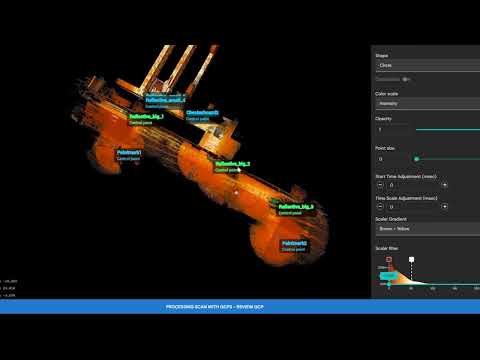
User Selected Targets Walkthrough | Emesent Aura
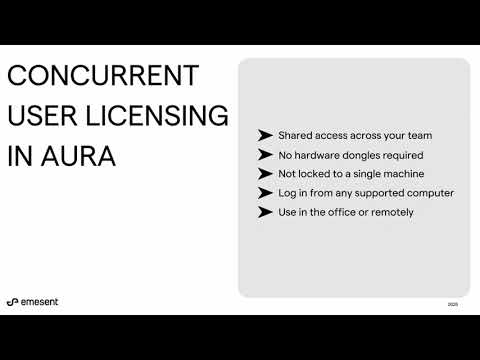
Concurrent User Licensing Walkthrough | Emesent Aura

How do you make SLAM that works anywhere?
Need more help?
Our Client Support team is here to help with any questions or technical issues. Get in touch and raise a support ticket to receive assistance from our team.