
This article explains how to set up the GX1 in the Supported Handheld configuration with a Backpack Harness or compatible belt. Put on and configure the harness first, clip in the pole, then attach the GX1 last.
.jpg)
What you will need
GX1
GX1 Quick Mount
Supported Handheld Pole
Supported Handheld Belt Clip Assembly
Supported Handheld Tethers
Backpack Harness
Procedure
Step 1: Put on and configure the harness or belt
Put on the harness or belt and adjust it for a comfortable, stable fit before mounting anything.
For the Backpack Harness, configure the fit and put it on. See Configure GX1 backpack fit and Mount the GX1 and put on the backpack.
Step 2: Attach the Belt Clip Assembly
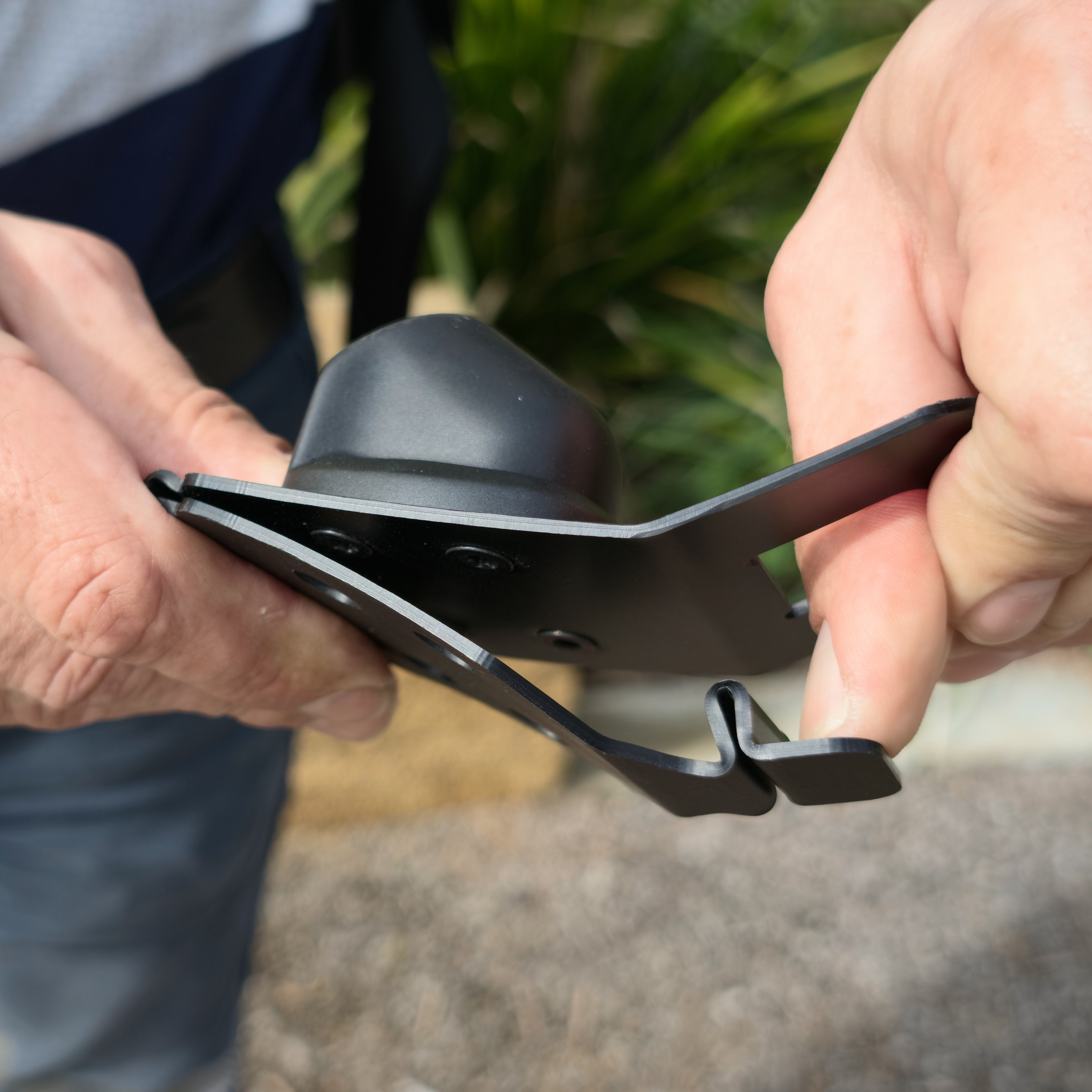
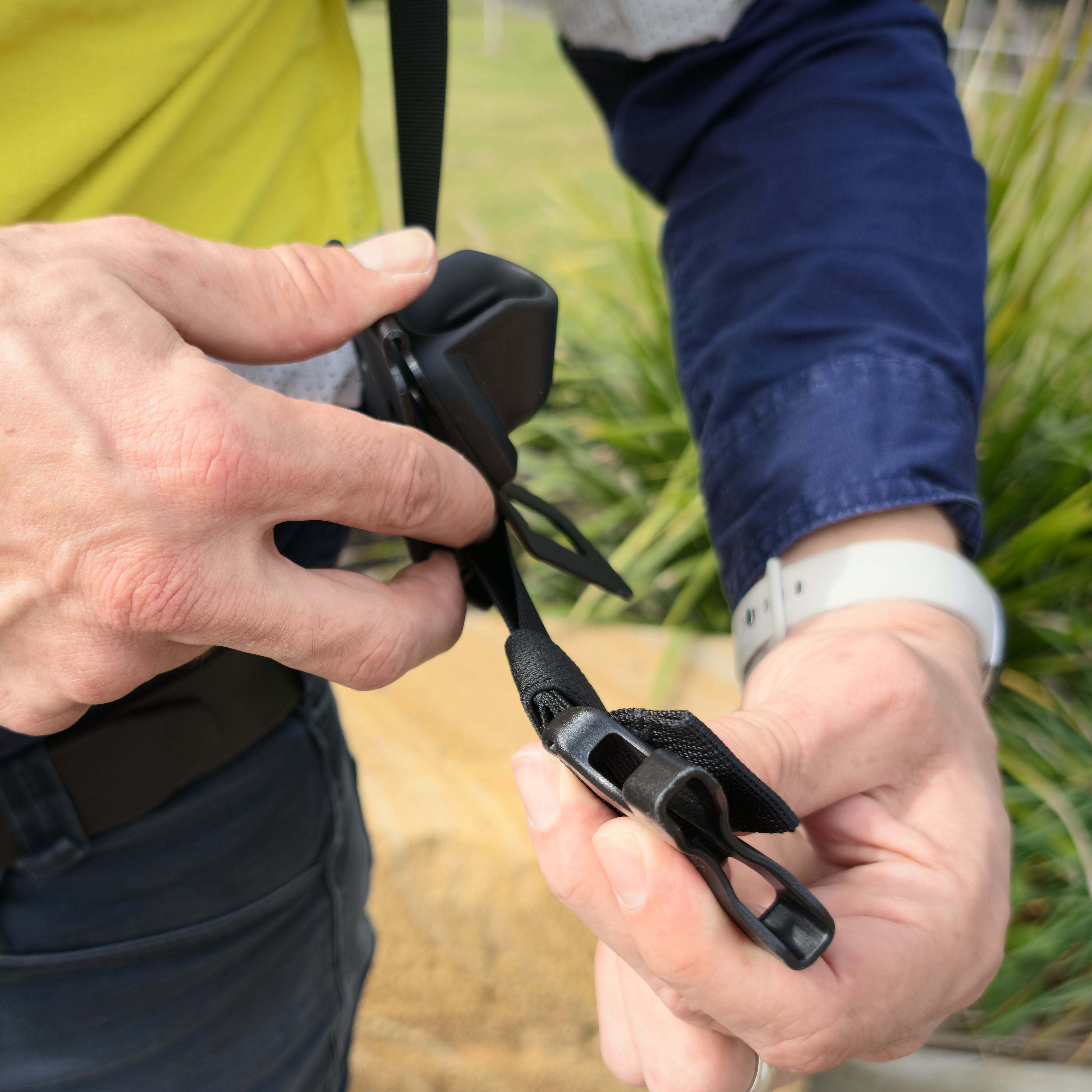
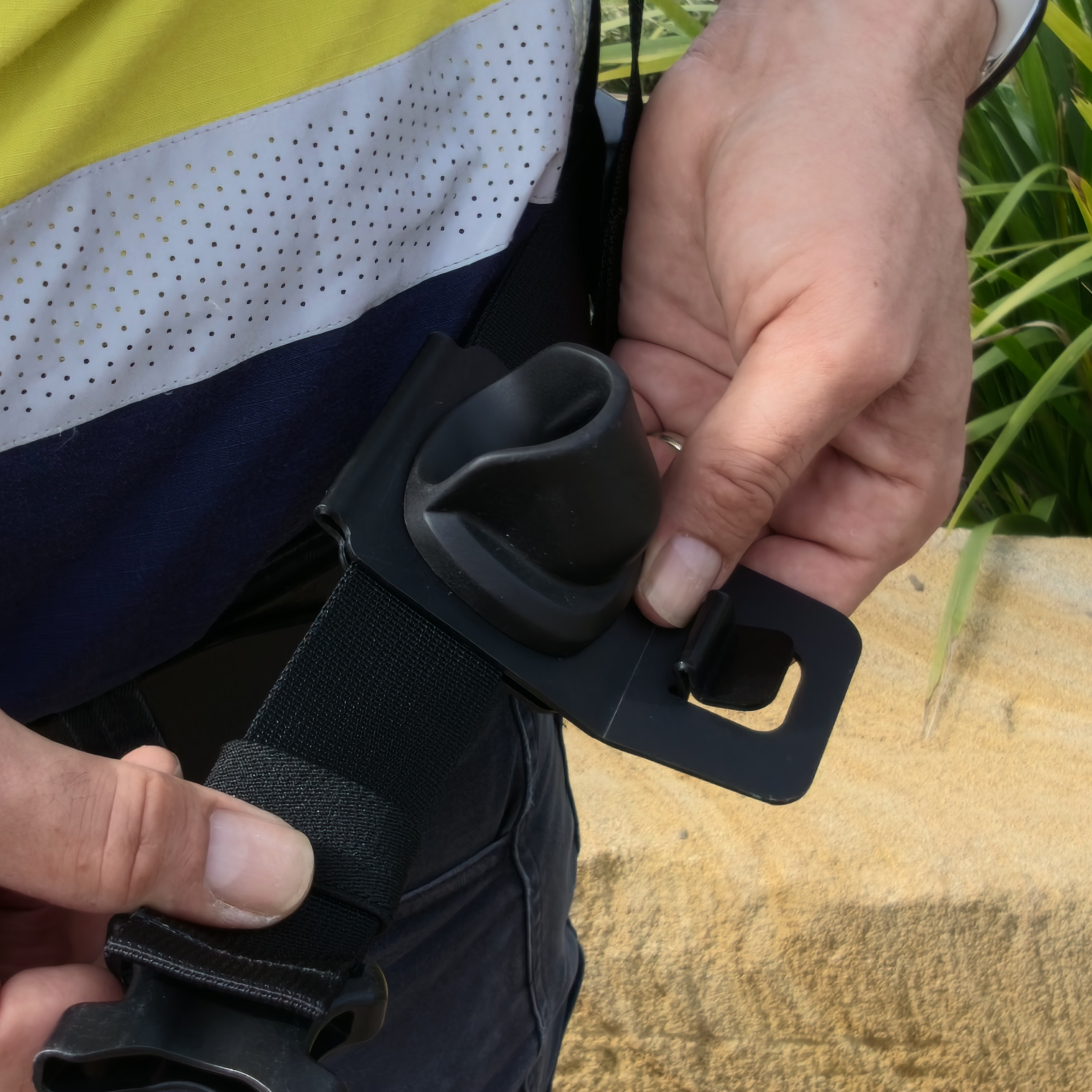
The Belt Clip Assembly is only supported with the Backpack Harness Hip Belt. Use with other belts is not recommended. Leave the Belt Clip Assembly installed on the Backpack Harness Hip Belt between sessions.
Do not bend the Belt Clip or the Belt Clip Release Button past its normal range. This can damage the clip mechanism.
Press the Belt Clip Release Button to open the Belt Clip.
Slot the Supported Handheld Belt Clip Assembly down over the Hip Belt of the Backpack Harness, or over a compatible belt.
Press the Belt Clip closed until it locks.
Confirm the Supported Handheld Belt Clip Assembly sits flat against the belt.
To remove the Belt Clip Assembly, complete steps 1 to 3 in reverse order. Removal of the Belt Clip Assembly is not recommended.
|
|
|
Step 3: Attach the pole to the Quick Mount and clip it into the belt
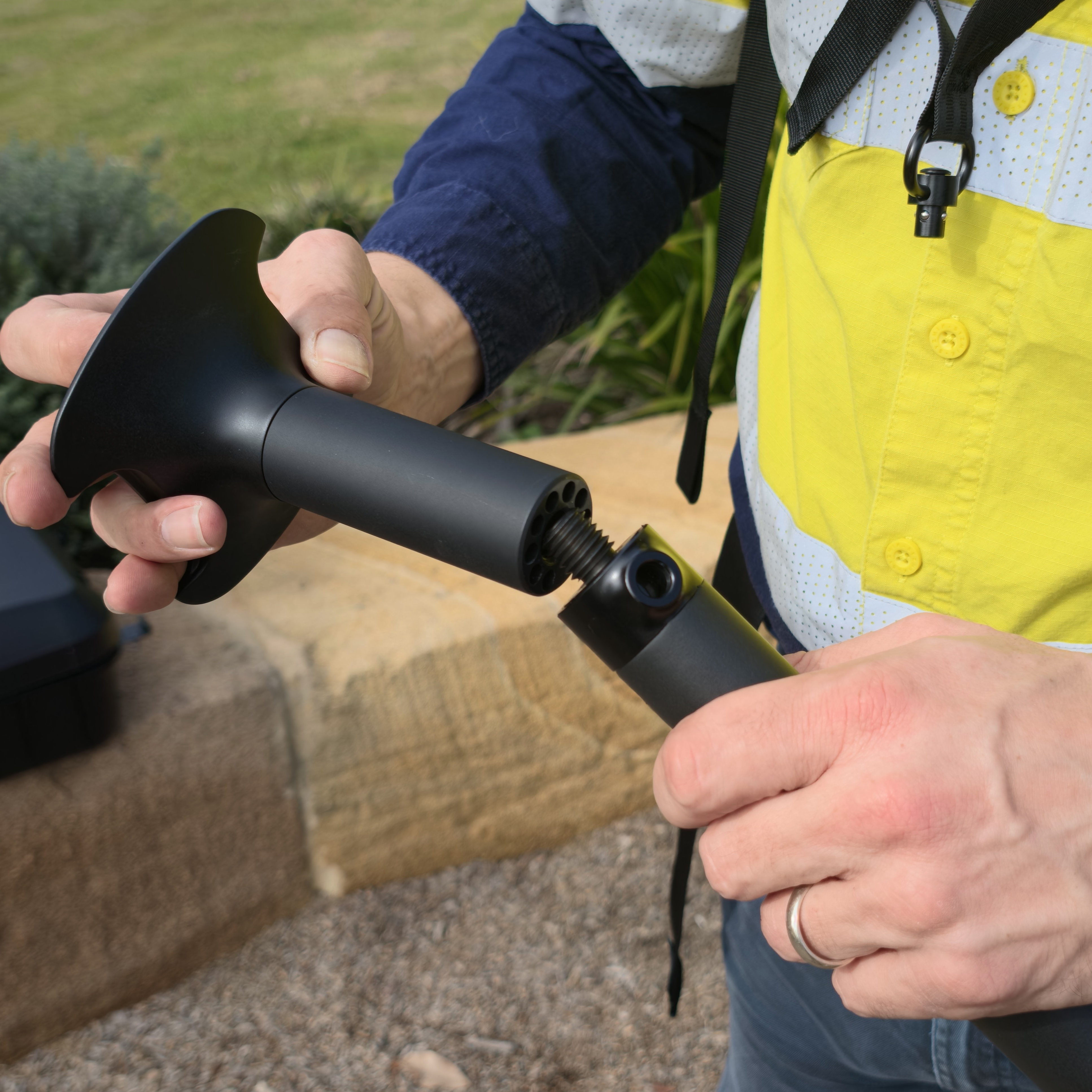
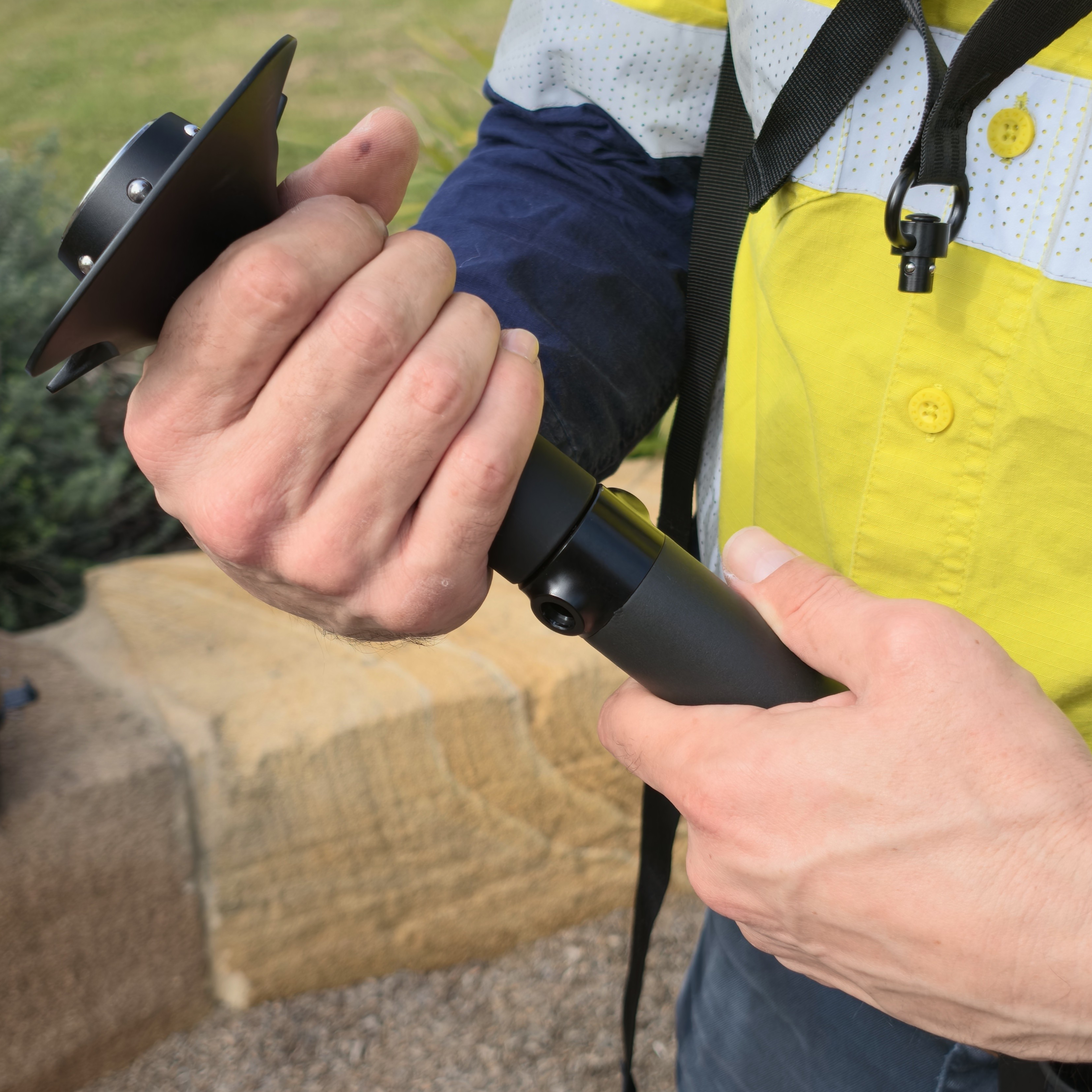
Screw the Supported Handheld Pole into the GX1 Quick Mount until fully seated and secure.
Insert the Pole Tip into the Waist Socket on the Supported Handheld Belt Clip Assembly until fully seated.
Adjust the Supported Handheld Pole so the GX1 will be comfortable to hold, and confirm the pole seats securely in the Waist Socket.
|
|
Step 4: Attach the Supported Handheld Tethers
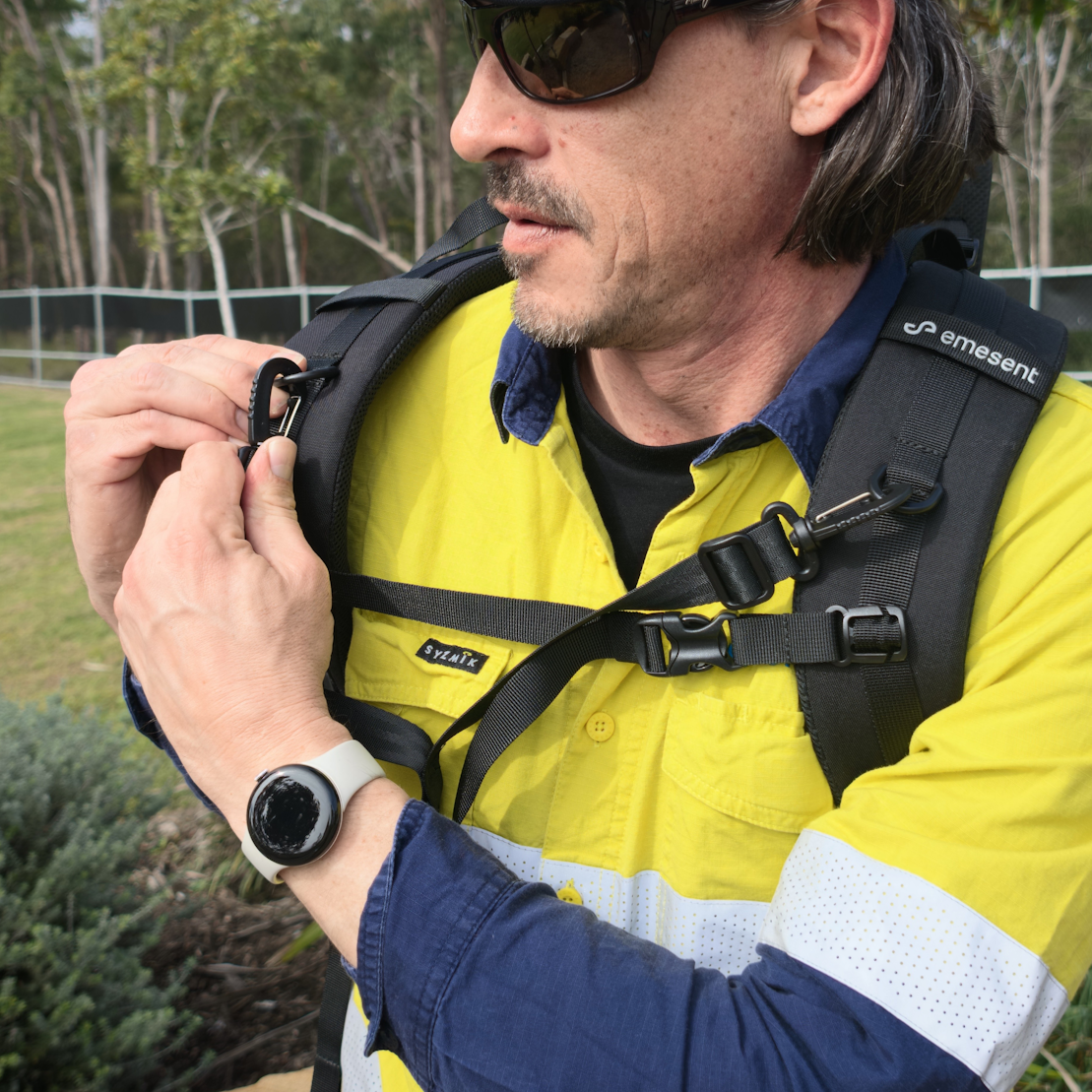
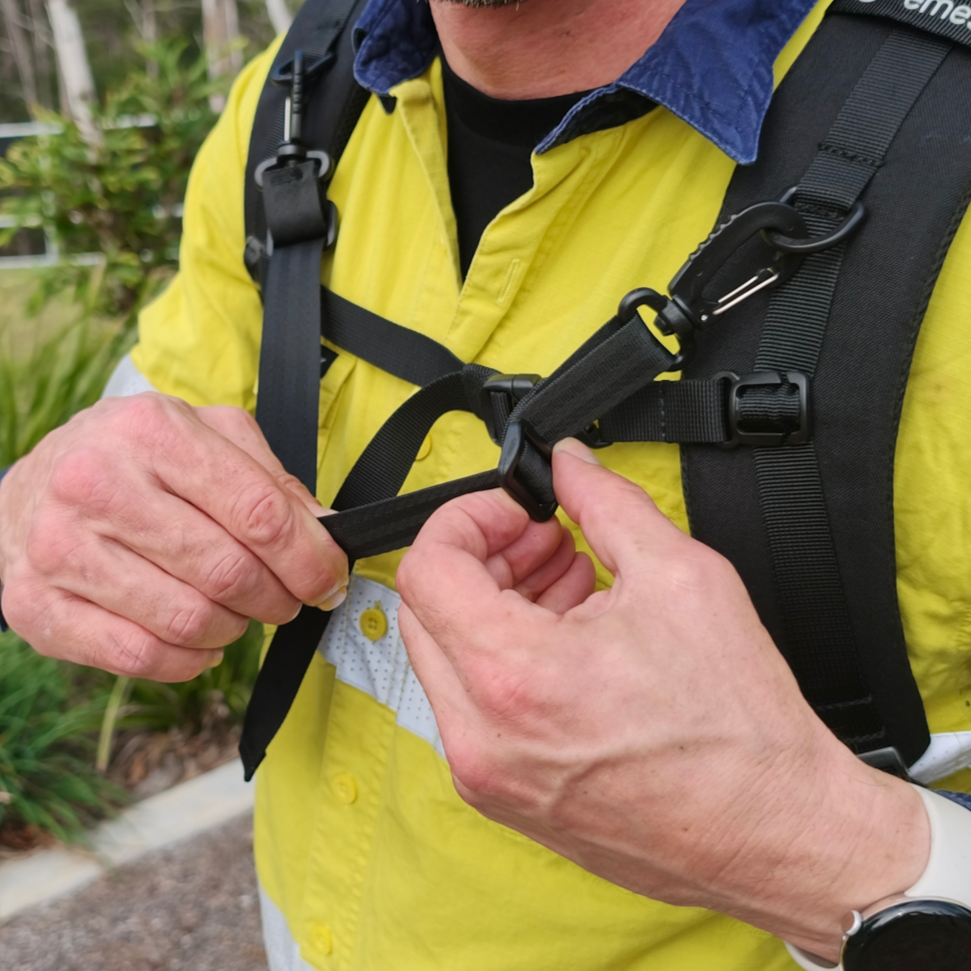
Clip the Shoulder Clips on the Supported Handheld Tethers to the Shoulder Strap D-Rings on the Backpack Harness.
Adjust the Length Adjusters to remove slack from the Supported Handheld Tethers.
To detach the tethers, reverse these steps: unclip the Shoulder Clips from the Shoulder Strap D-Rings.
|
|
|
.png)
Step 5: Attach the Quick Detach Swivel to the pole
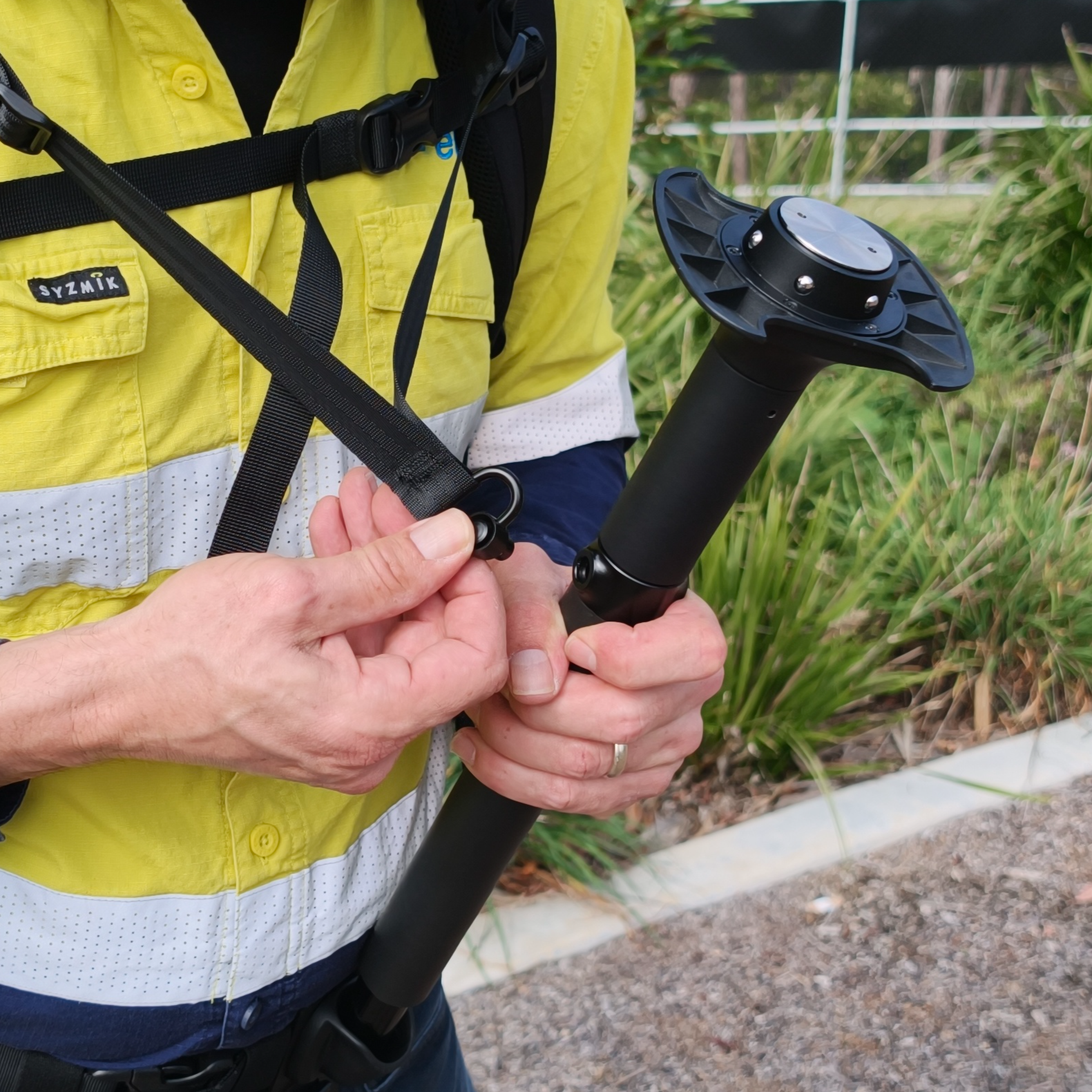
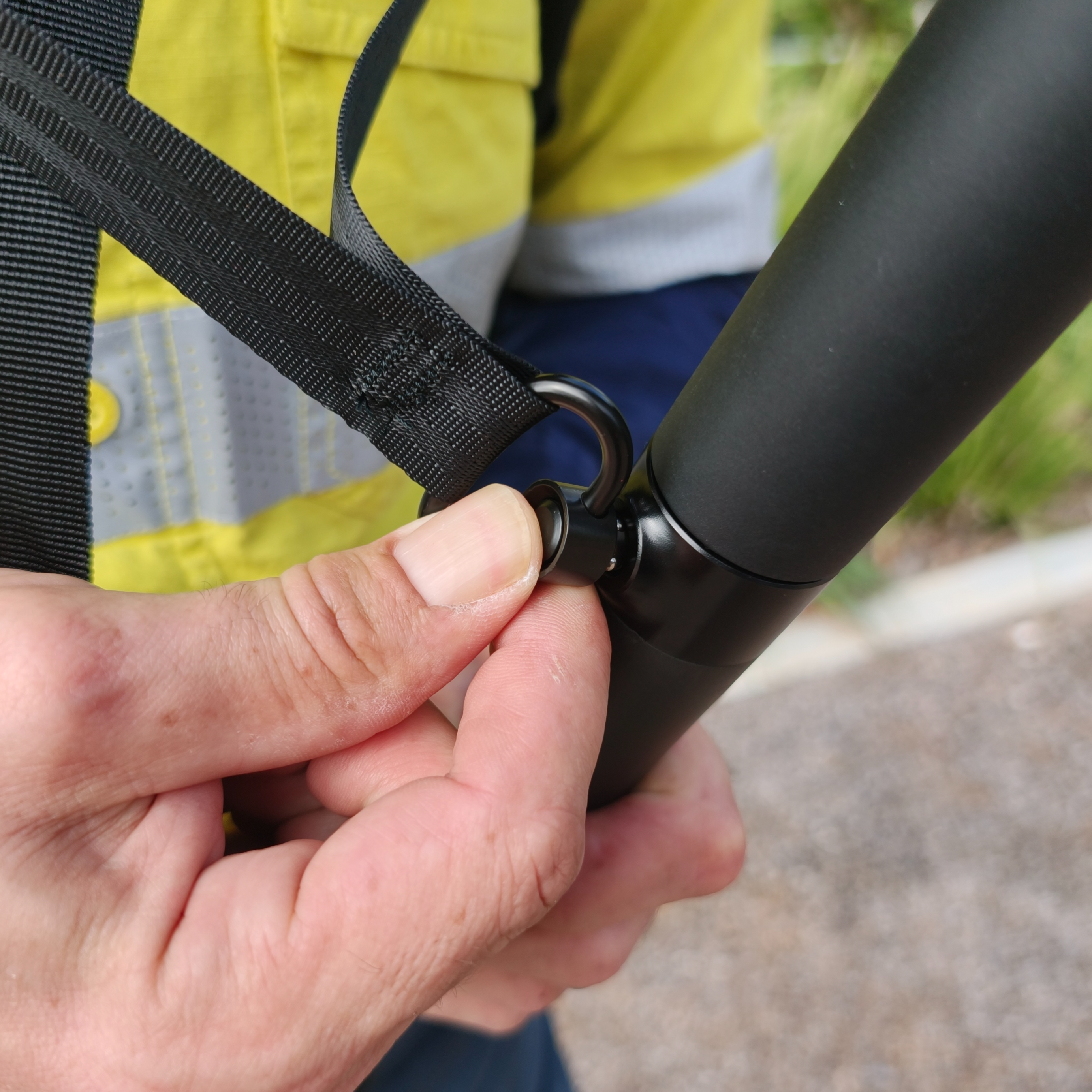
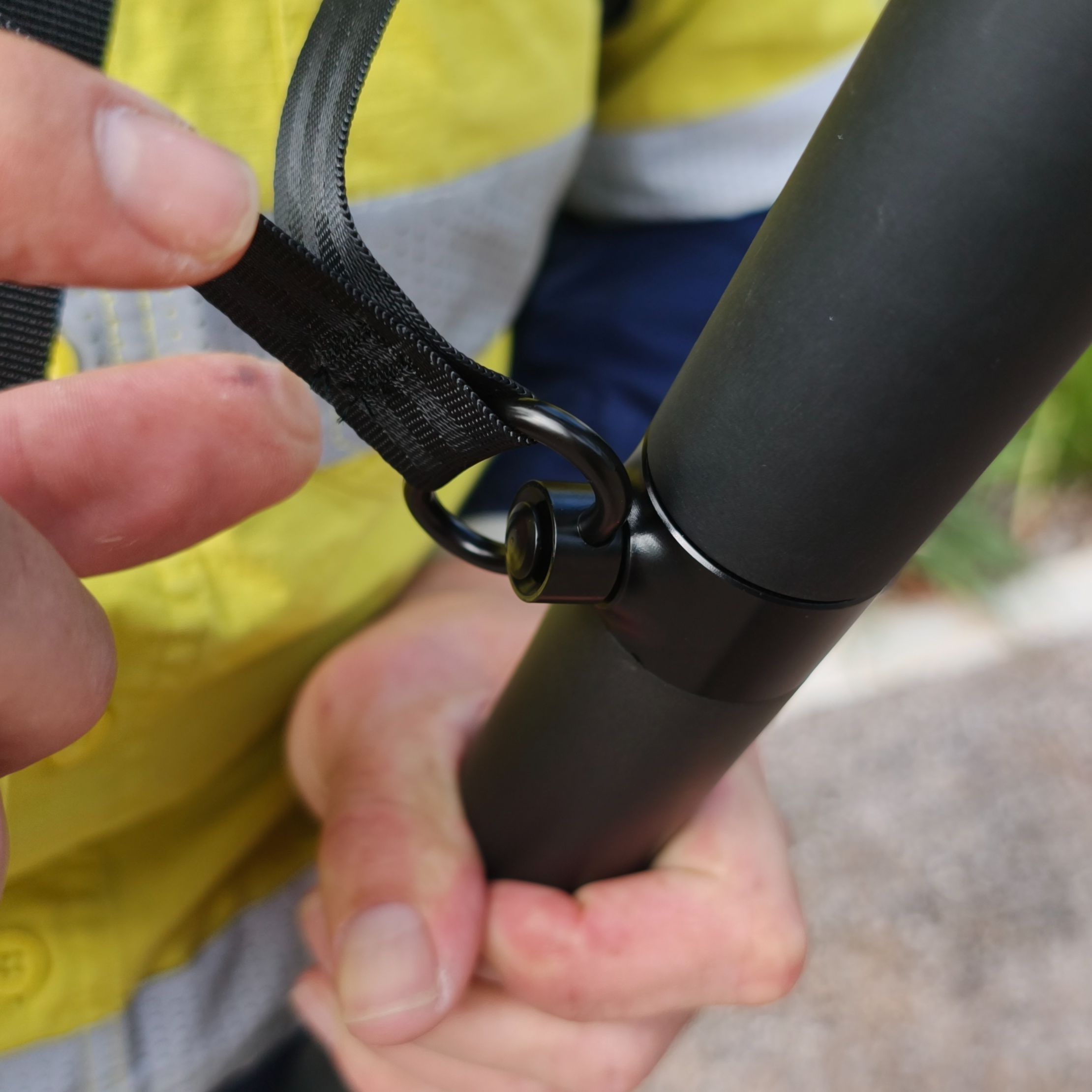
Clip the Quick Detach Swivel on the Supported Handheld Tethers into the Quick Detach Swivel Socket on the Supported Handheld Pole.
To disconnect, reverse this step: press the Quick Detach Swivel release and pull the swivel out of the Quick Detach Swivel Socket.
|
|
|
Step 6: Attach the GX1 to the Quick Mount
Attach the GX1 to the Quick Mount on the Supported Handheld Pole. See Attach GX1 to Quick Mount.
Outcome
The Supported Handheld configuration is set up and ready for operation.