
The GX1 Backpack Harness carries the GX1 on the operator's back, with the scanner raised above the head on a telescoping pole. Setting up the backpack involves three tasks, each covered by its own article.
Configure the fit once for each operator, mount the GX1 and put on the backpack each time it is used, and remove the backpack at the end of a scan.
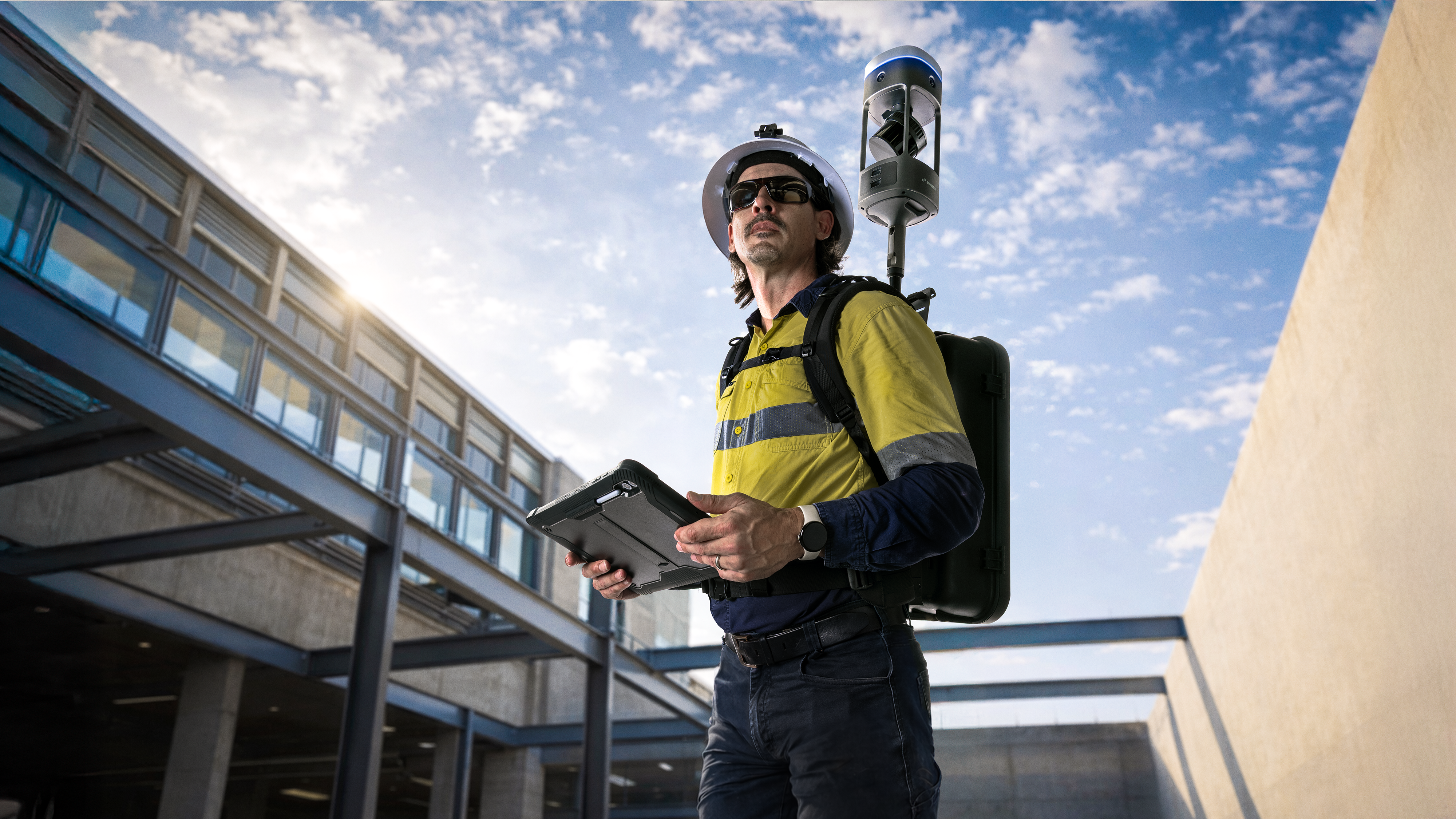
Set up tasks
Configure GX1 backpack fit: Set the torso height and load lifter slots for the operator. These settings stay set until the operator or fit changes.
Mount the GX1 and put on the backpack: Attach the Quick Mount and GX1, choose the pole height, put on the backpack, and tighten the fit. Do this each time the backpack is used.
Remove the GX1 backpack: Take off the backpack safely with the GX1 attached, using a raised surface to support the load.
Important considerations
Backpack fit and pole height affect operator safety: head and helmet clearance under the chosen pole height, hair and loose-item entanglement with the rotating LiDAR Sensor, balance as a higher GX1 raises the center of gravity, and load strain from a poor fit. Review these before scanning. See Warnings and safety.