
This article explains how to attach the GX1 to the Quick Mount, the standard interface for connecting the GX1 to supported accessories (backpack, supported handheld, survey pole, or vehicle mount).
Attach the Quick Mount to the accessory before attaching the GX1. The GX1 attaches in one of two orientations, depending on the accessory.
Prerequisites
The GX1
The GX1 Quick Mount
The accessory the GX1 is being mounted to (backpack, supported handheld, survey pole, or vehicle mount)
Procedure
Step 1: Attach the Quick Mount to the accessory
Attach the Quick Mount to the accessory before handling the GX1. For accessory-specific instructions, see the relevant setup article under Related articles.
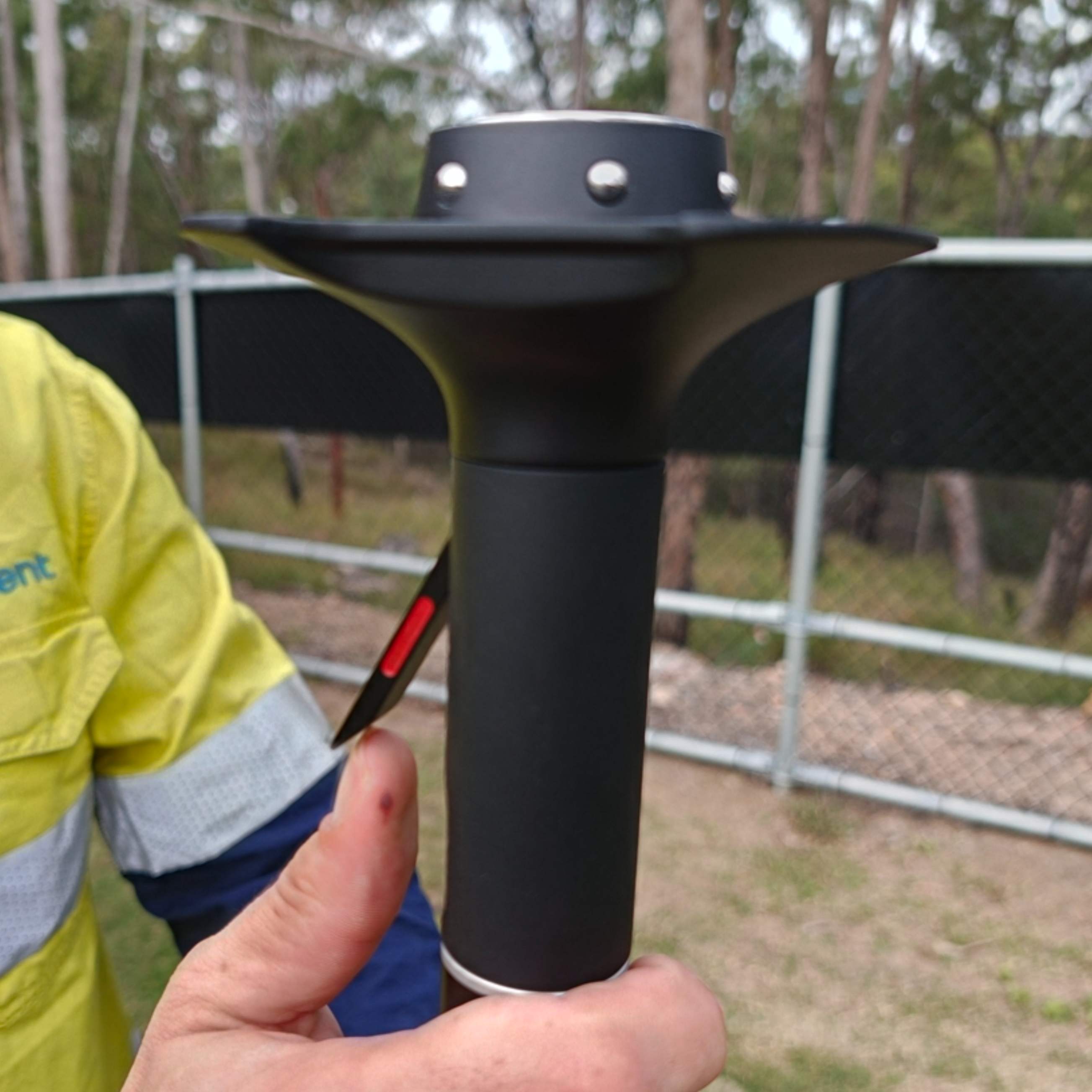
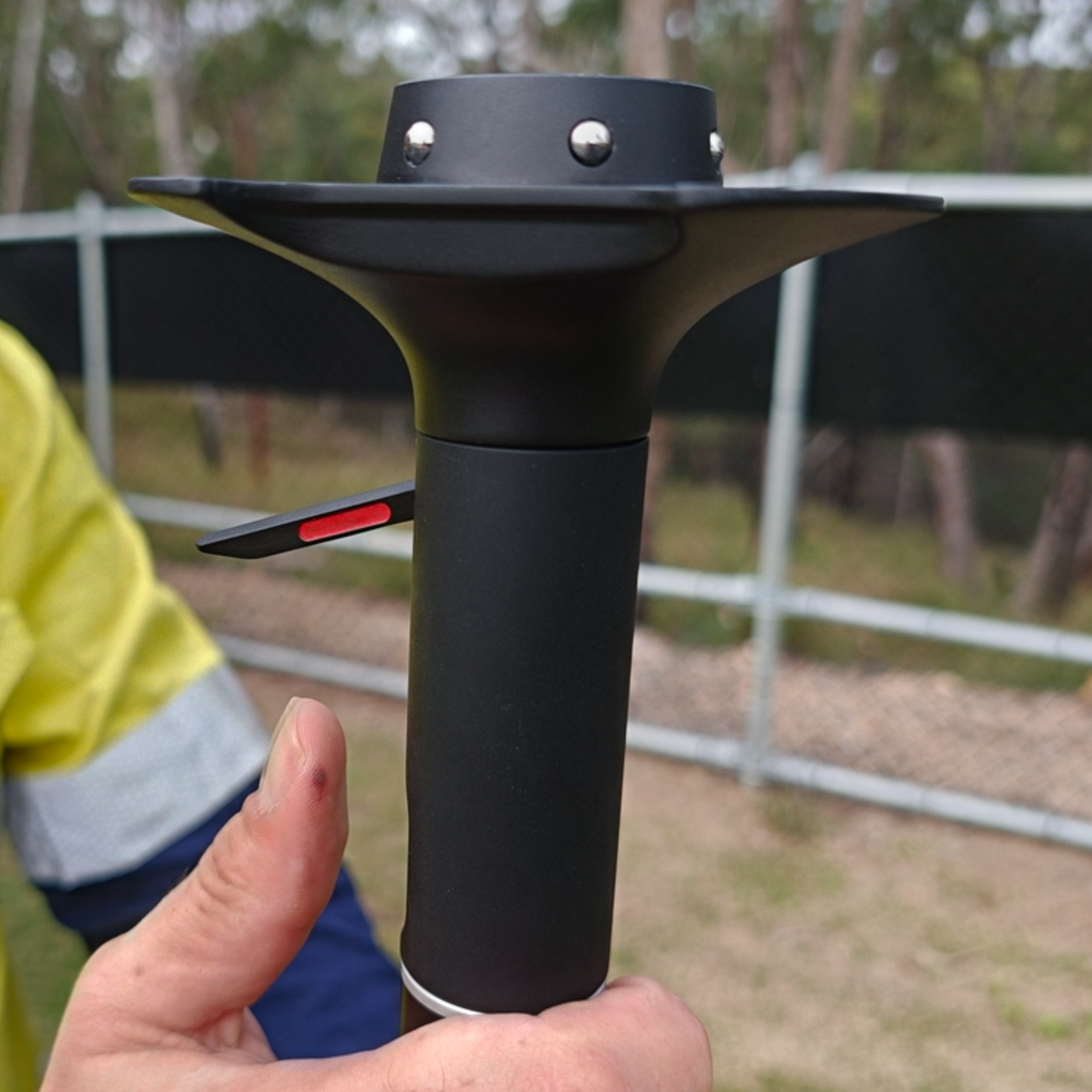
Step 2: Unlock the Quick Mount
Pull up the Locking Lever on the side of the Quick Mount until it is fully open, approximately 90° to the body.
Confirm the red indicator on the side is visible. This means the Quick Mount is unlocked and ready to accept the GX1.
|
|
Step 3: Place the GX1 on the Quick Mount
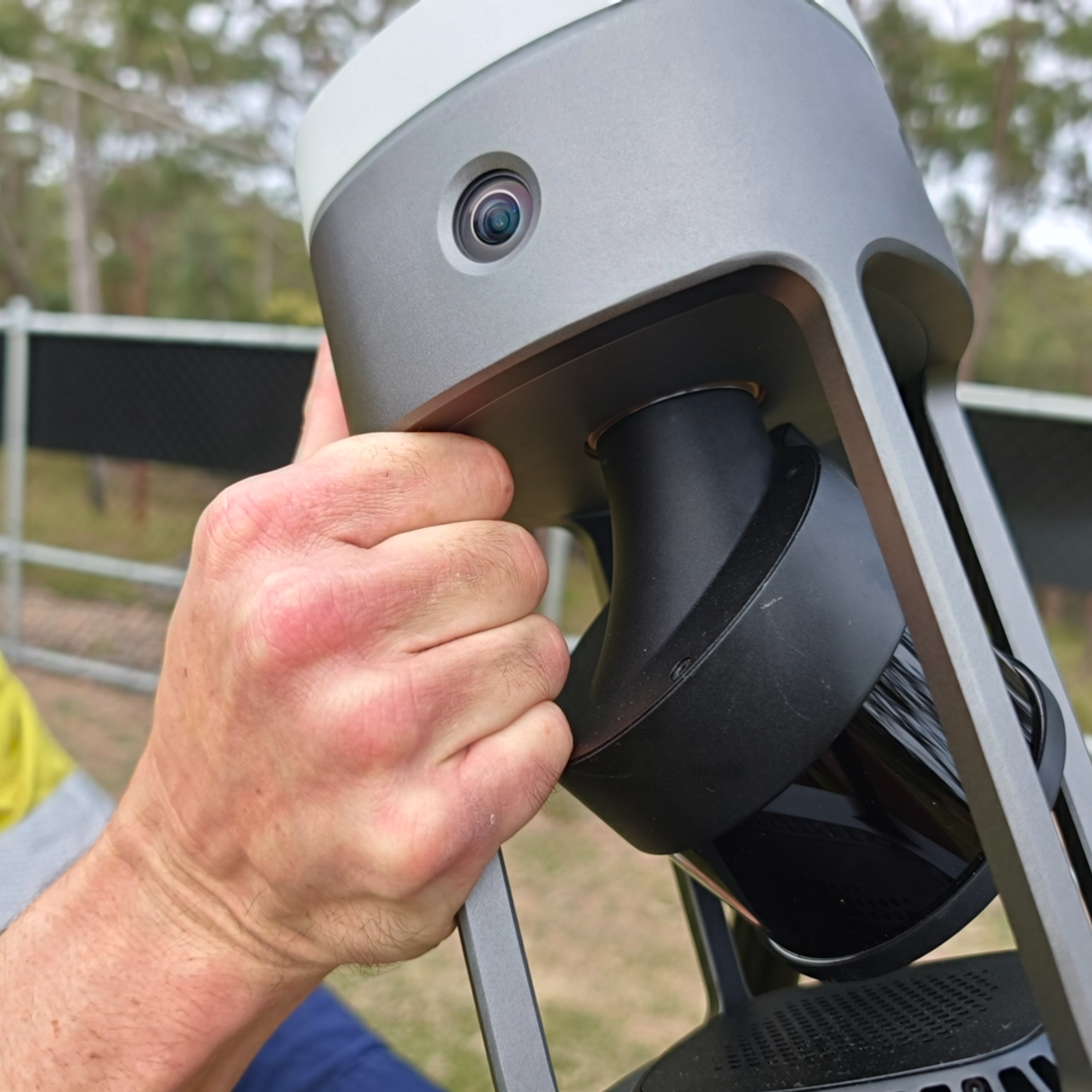
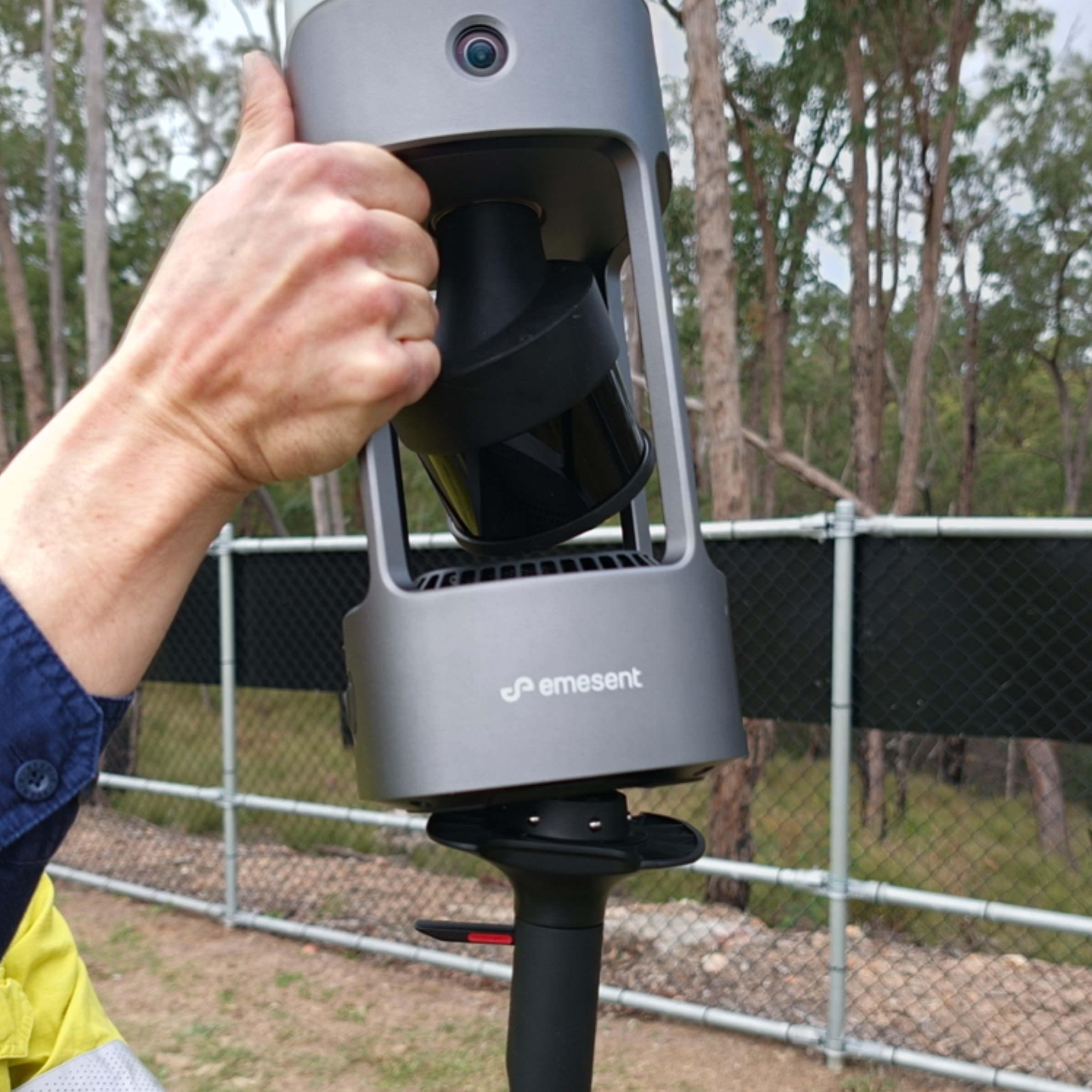
Confirm the GX1 is powered down and not performing a scan.
Grasp the GX1 by the Structural Support Struts.
Place the GX1 onto the Quick Mount, aligning the Locking Lever with either the Battery Bay Door or the Control Panel, depending on the accessory orientation.
|
|
|
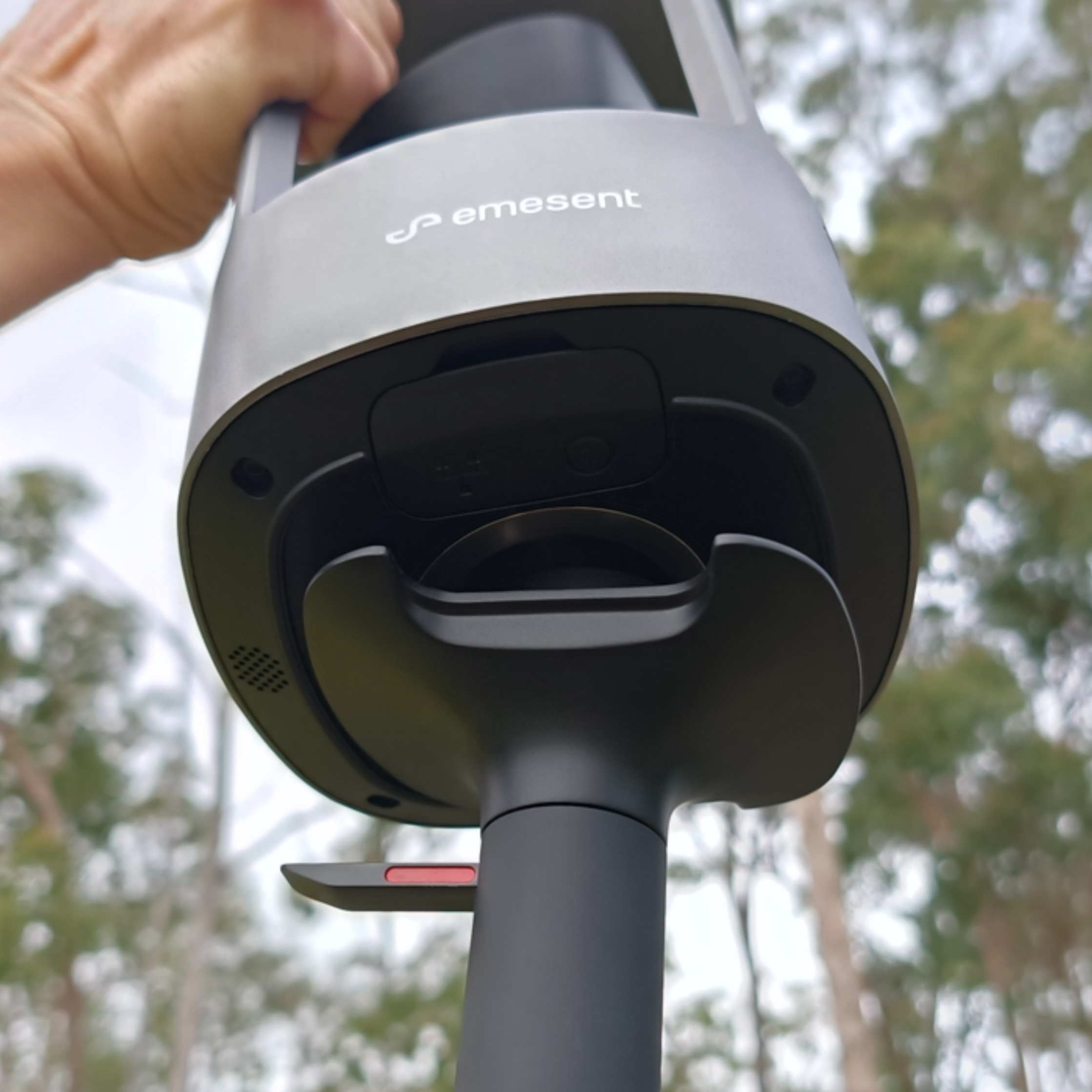
Step 4: Seat the GX1
Press down gently and confirm the GX1 seats fully, past the retention locks. A GX1 that is not fully seated will be ejected when the Locking Lever is closed.
Hold the GX1 firmly, as it is not yet locked in place.
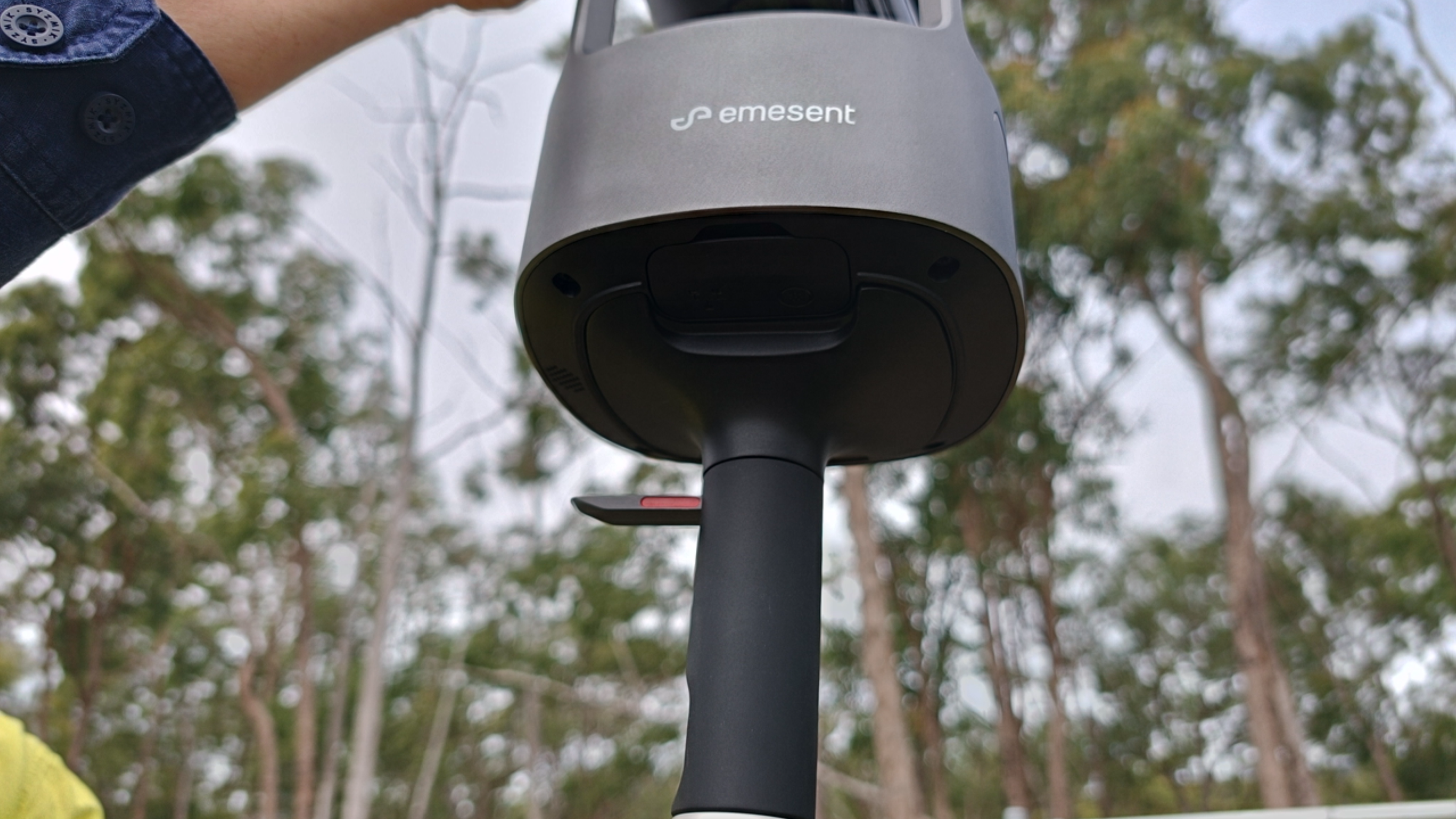
Step 5: Lock the Quick Mount
Press the Locking Lever down until it is flush with the body of the Quick Mount. Keep the GX1 supported until it locks.
Confirm the Locking Lever seats completely and the red indicator is no longer visible.
|
|
|
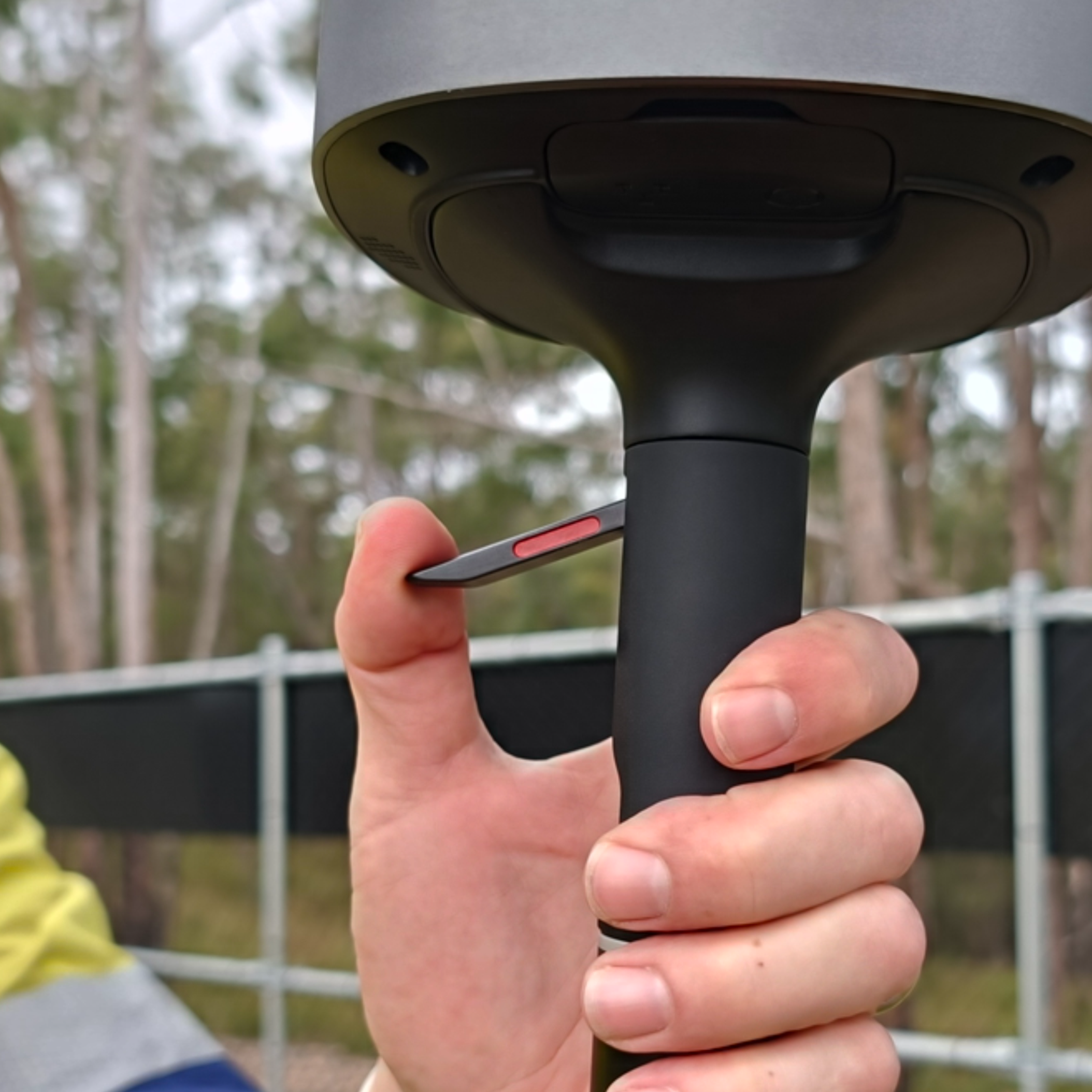
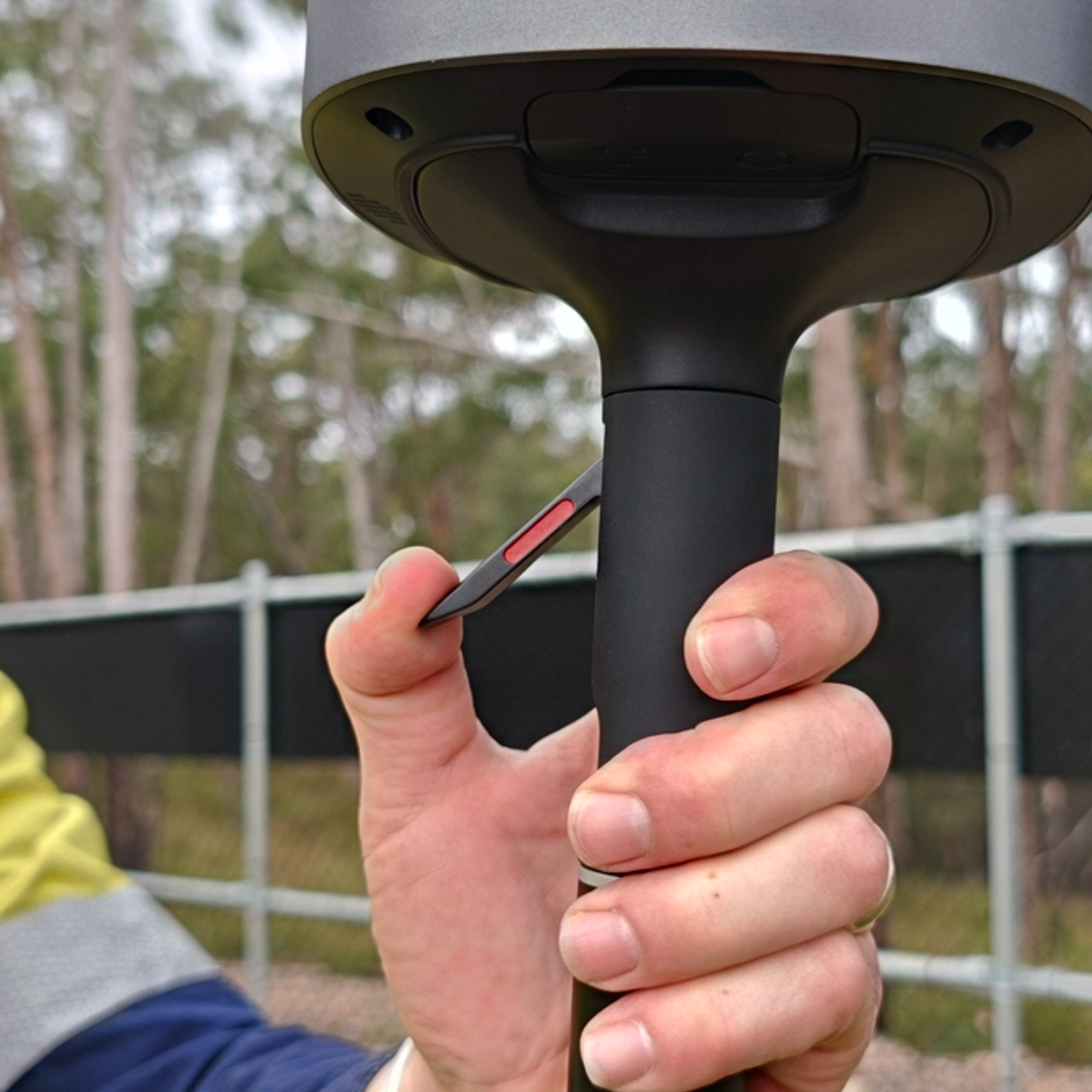
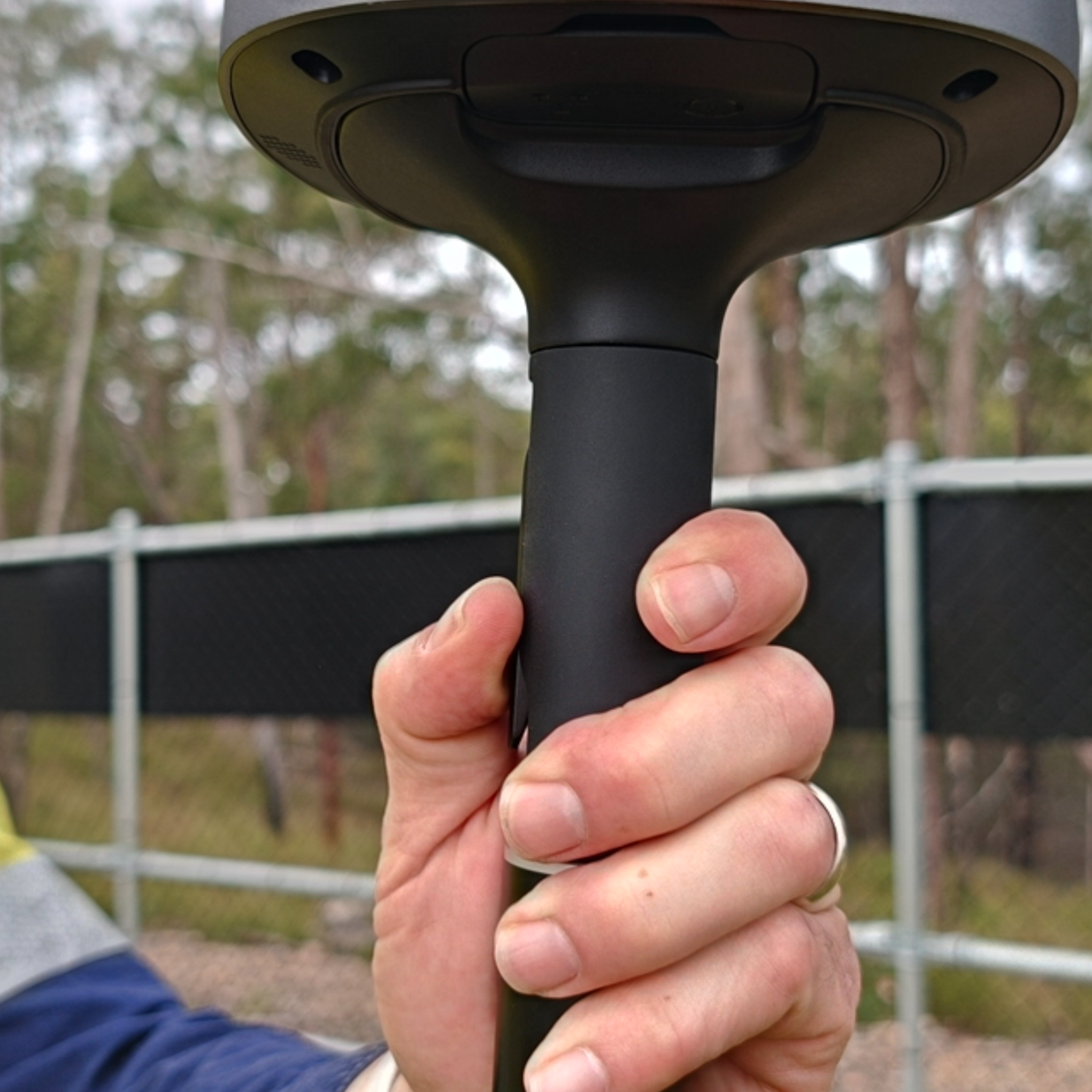
Step 6: Confirm the connection
Confirm a positive lock was felt and heard as the GX1 secured, then perform a firm pull test to confirm the GX1 is fully locked into the Quick Mount, with no movement between them.
If the GX1 is incorrectly oriented, the Quick Mount pushes it away to show it is not locked in. If this happens, re-check the alignment and seating, then try again.
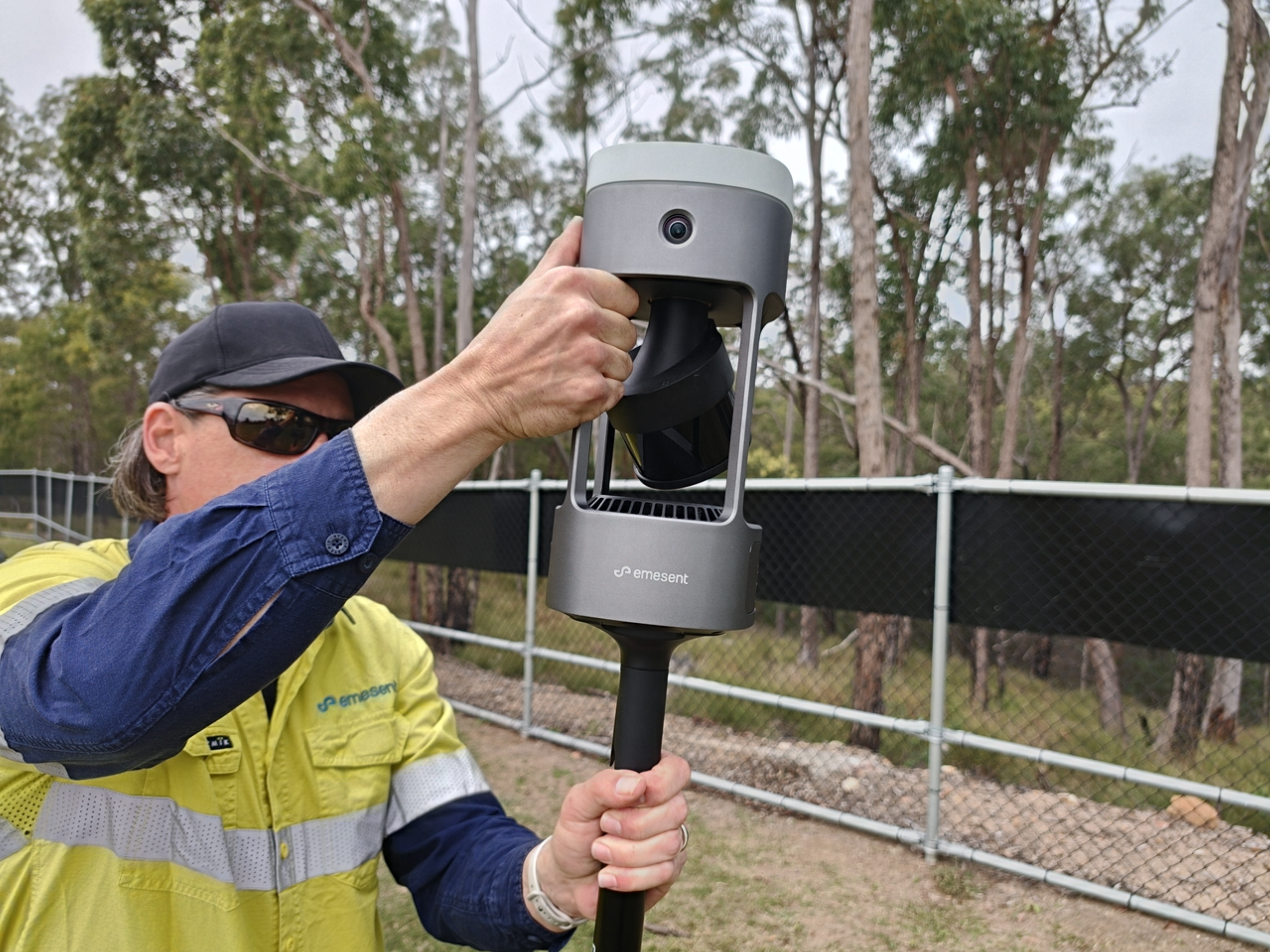
Outcome
The GX1 is securely attached to the Quick Mount and ready for use with the intended accessory.