
This article describes the GX1 mounting options and helps decide which mount to use for a scan.
Mounting options
The GX1 supports three mounting methods:
Supported Handheld | Handheld scanning with the GX1 supported on a pole and harness to reduce operator fatigue over longer scans. Working in cramped spaces. |
|
Backpack | Long-distance, hands-free scans over large areas, with excellent 360° image and LiDAR coverage. |
|
Survey Pole | A stable carrying position between handheld and backpack, with excellent image coverage and the flexibility to reach into awkward areas. |
|
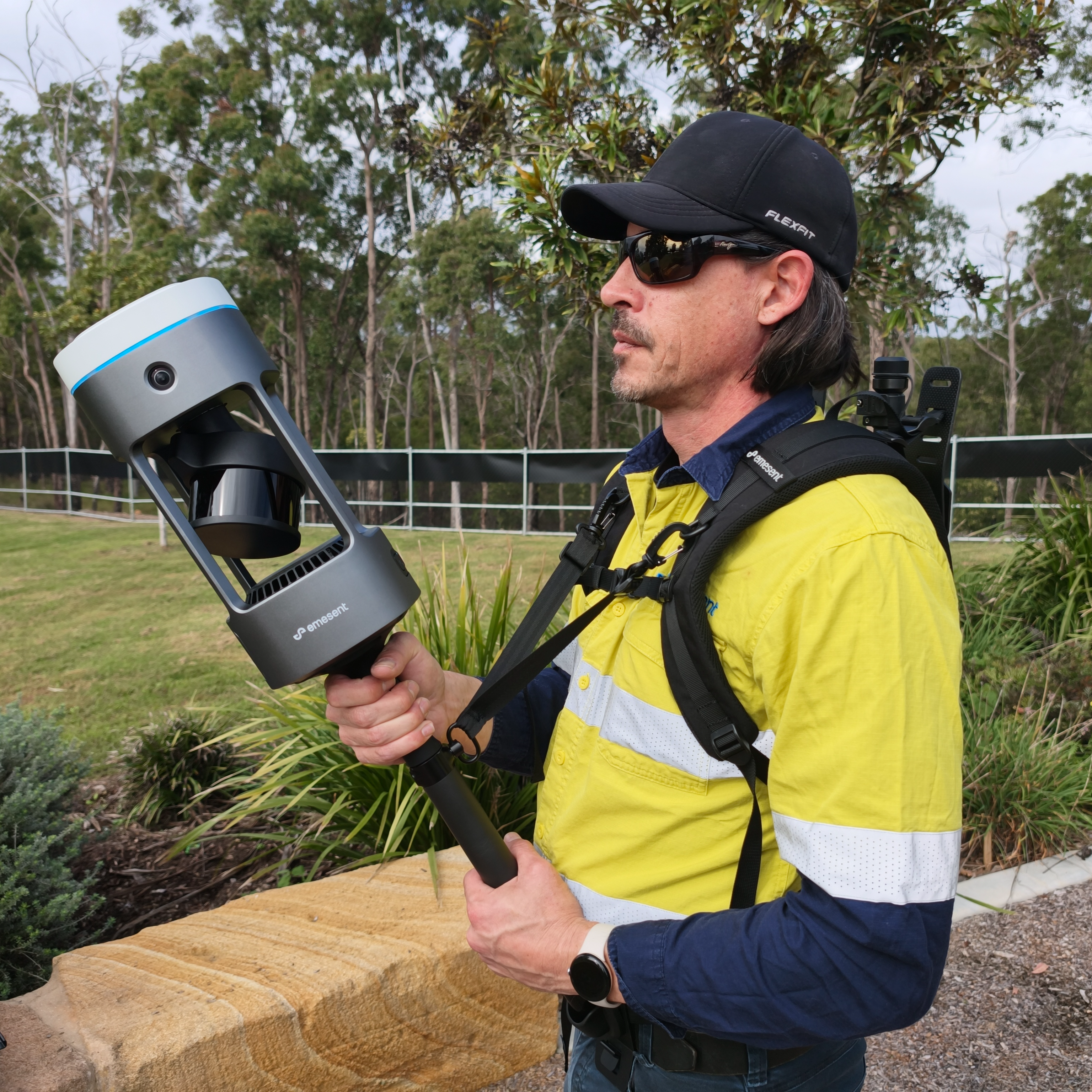
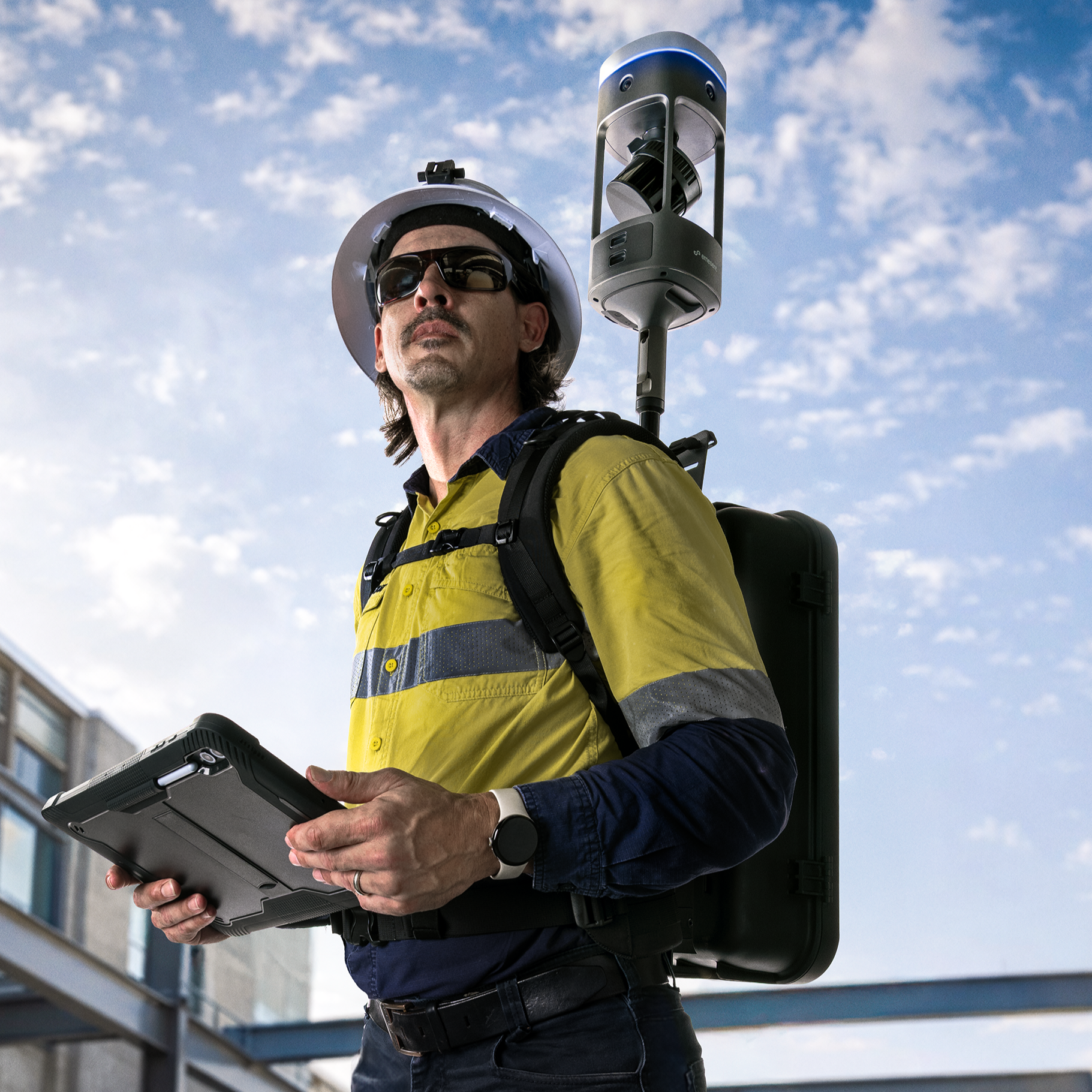
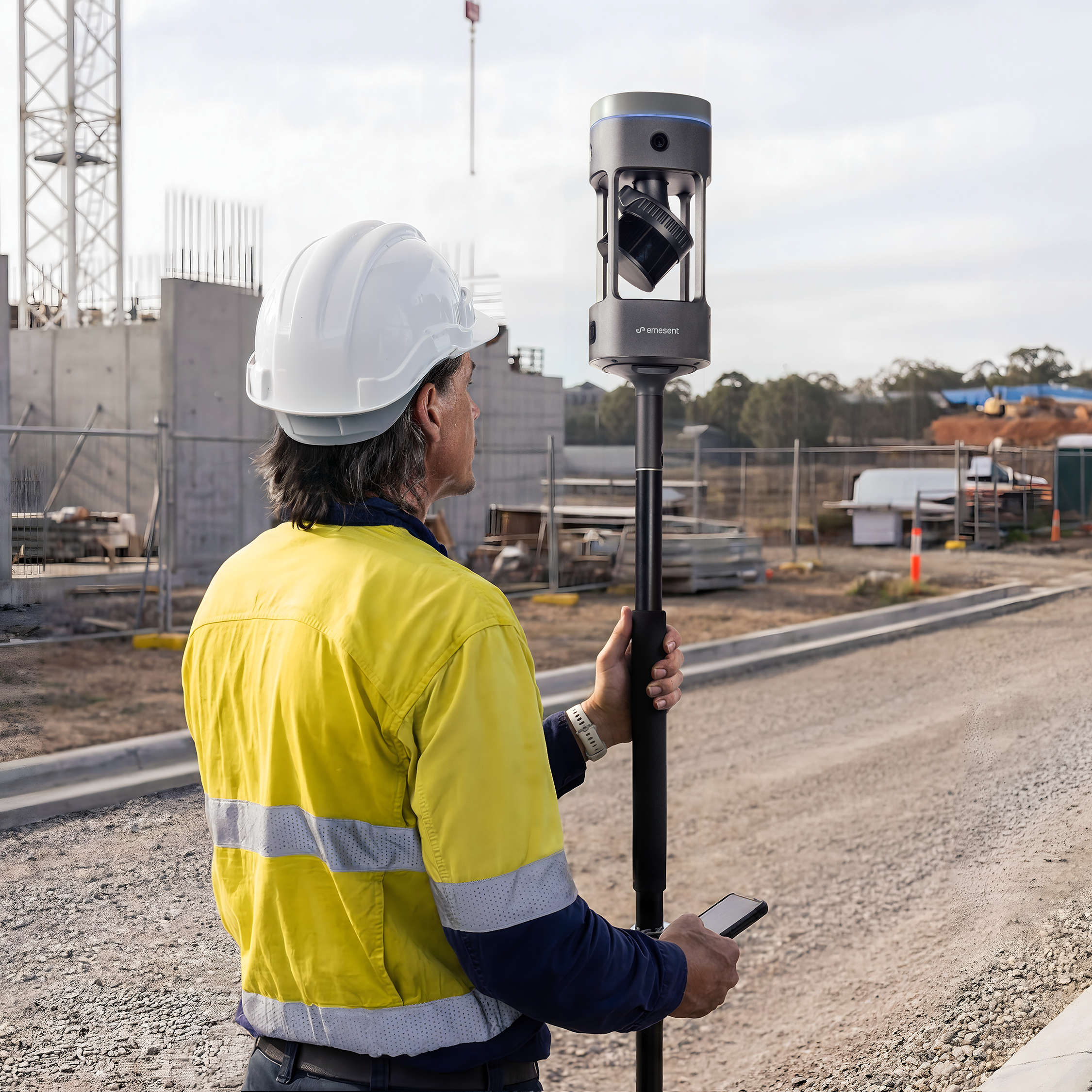
Most mounts attach through the Quick Mount, the standard interface between the GX1 and supported accessories. See Attach GX1 to Quick Mount.
Choosing a mount
The right mount depends on the environment, how far the operator needs to move, and the coverage required.
Distance to cover. For long walks over large areas, the backpack reduces fatigue and keeps the GX1 above the operator. For short or confined-space scans, handheld is faster to deploy.
Stability and reach. A survey pole gives a stable carrying position and reaches into awkward areas.
Operator position relative to the GX1. Handheld scanning at hand height puts the operator's body inside the field of view. Raised mounts (backpack, survey pole) keep the operator below the sensors.
Field of view considerations
The mount affects how much of the GX1's field of view is usable. The GX1 has a 360° horizontal FOV across both LiDAR and cameras, but the operator, mounting hardware, or other obstructions can block part of the view. Raised mounts clear the operator from the FOV.
For the full FOV figures and coverage details, see GX1 field of view.