
Step 1: Launch Commander and Complete First-Time Setup
Tap the Commander application on the tablet to begin.
Accept the permissions via the popups.
These permissions, only requested once after installation, are required for Commander to operate. Disallowing them will result in Commander not being functional.
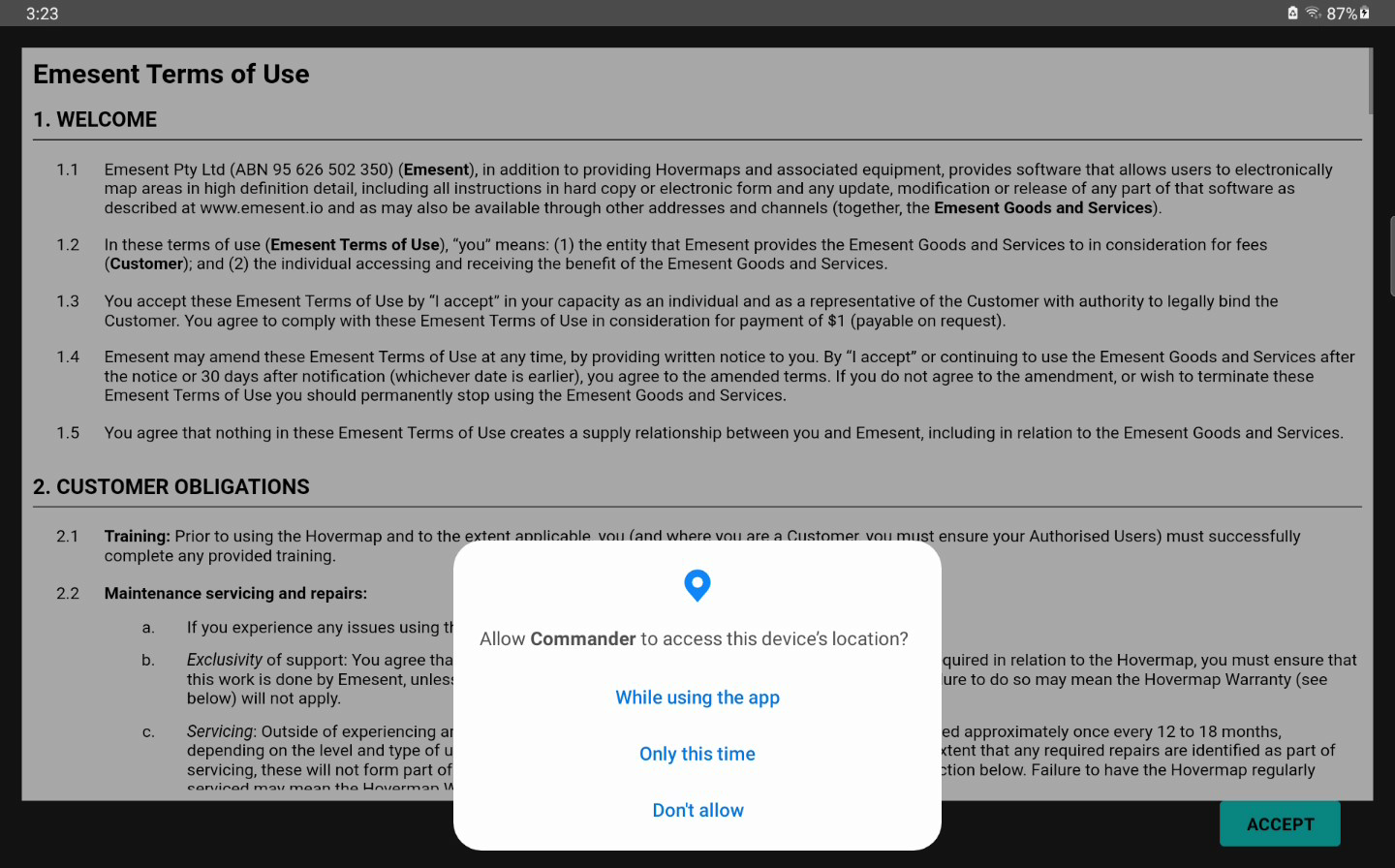
Read the Emesent Terms of Use, then accept the terms by tapping the Accept button.
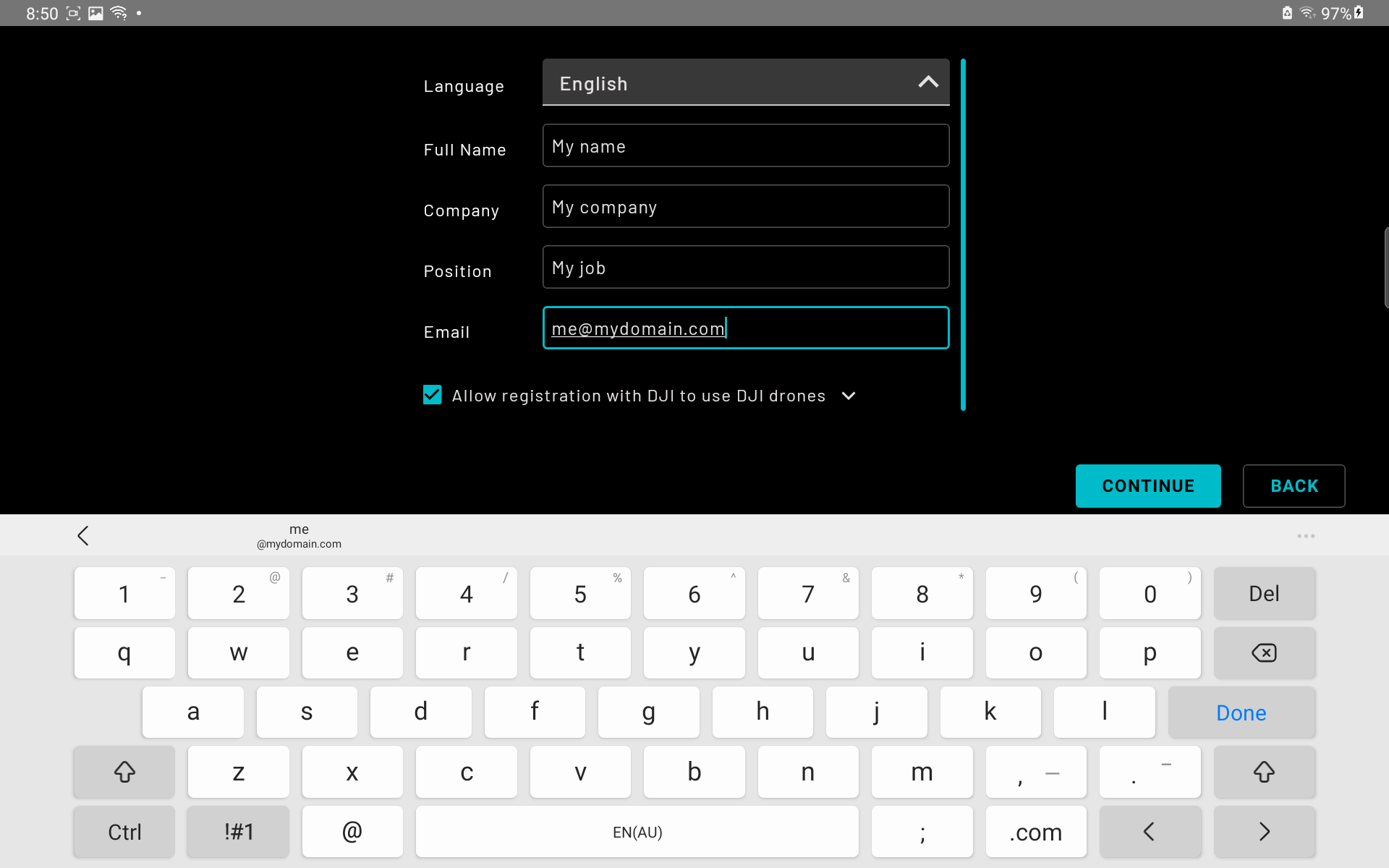
Enter user information then tap Continue.
The terms of use and user information will only be requested once after installation.
The application will open a landing page, ready for connection to a Hovermap.