This document details the hardware required to setup a compatible GNSS receiver to collect RTK data via vehicle for future processing in Emesent Aura.
Vehicle RTK Kit
The Vehicle RTK Kit includes the following components:
|
Item |
Description |
|---|---|
|
RTK Vehicle Mount (w/ magnetic feet) |
Mechanical mount to secure the Hovermap to the vehicle with the GNSS receiver and battery mount. |
|
Vacuum grip feet (x4) |
Replace the magnetic feet with the vacuum mounts to attach the vehicle mount to non-magnetic surfaces. |
|
100mm GNSS spacer pole |
The extension pole attaches to the RTK Vehicle Mount for mounting the GNSS receiver. |
|
Spanner |
Used to interchange between the magnetic and vacuum grip feet |
|
GNSS cable |
Lemo to Lemo GNSS cable suitable for your Emlid, Trimble, or Leica receiver |
|
Hovermap cable |
Cable for connecting the Hovermap ST/ST-X to the Vehicle RTK Mount |
|
GNSS receiver |
The Emesent Hovermap is currently compatible with several Emlid, Trimble and Leica receivers: |
-
Emlid RS2, RS2+ and RS3
-
Trimble R10/R10-2 and R12/R12i
-
Leica GS18/GS18T/GS18I
The Emlid RS2+ GNSS receiver can be optionally included in the Vehicle RTK kit purchased from Emesent.
.png)
Other Required Hardware
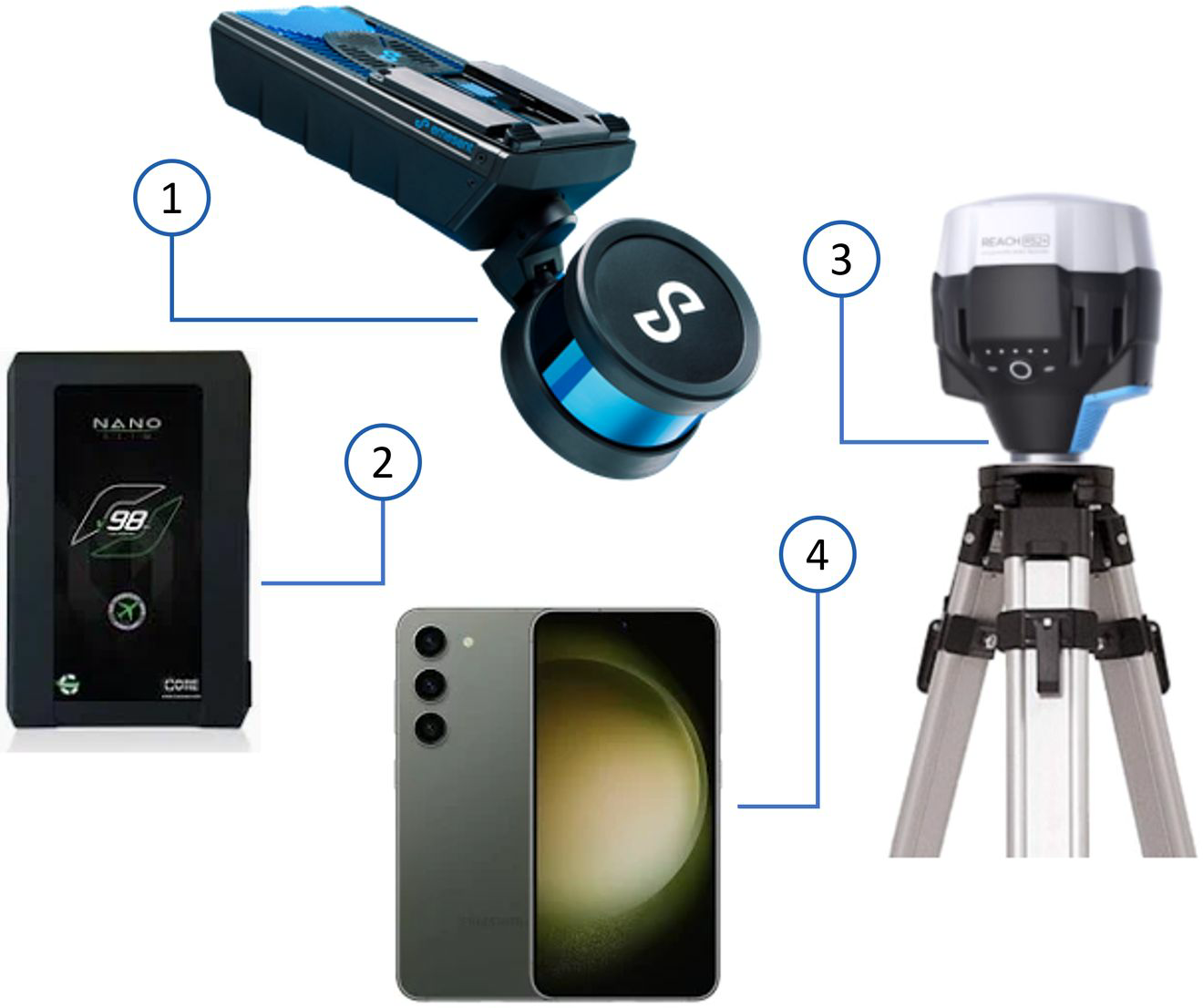
The following additional hardware is required for Vehicle RTK operation:
|
Item |
Description |
|---|---|
|
Hovermap ST/ST-X |
Emesent mapping payload |
|
V-mount Battery + Battery Charger |
Main power source for the Hovermap and the GNSS receiver. |
|
Base Station setup |
Includes your Emesent-compatible GNSS receiver and surveying tripod. This is only required if you do not wish to use CORS networks. |
|
Phone/Tablet |
Used to configure GNSS receiver settings (via the receiver's own software or app) and check RTK status (via the Emesent Commander app) |
|
Computer |
PC or Laptop
|