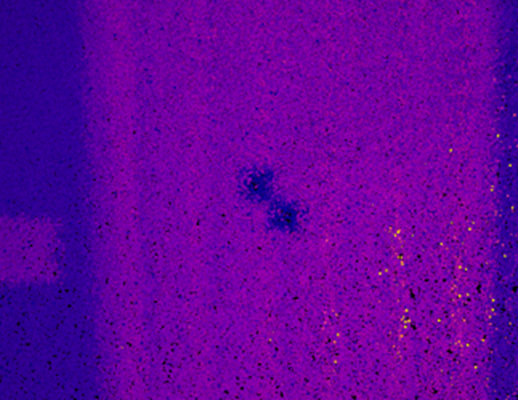
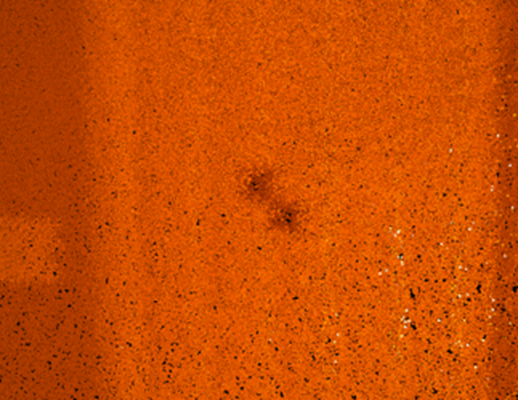
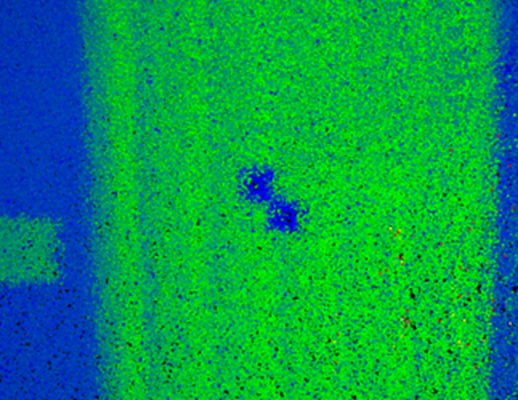
To assist in identifying GCP targets in the point cloud, adjust the Color Scale. Intensity is the most effective option, but other scales such as Time or Elevation can also help narrow point selection.
Example workflow
Change the Color Scale to Intensity to highlight reflective targets.
Adjust the visibility of points in the scalar filter to display only highly reflective points. This makes GCP targets easier to locate.
Adjust the scale of the color gradient in the scalar filter to highlight details. Use alternative Color Scale gradients to help identify targets with variable reflectivity.
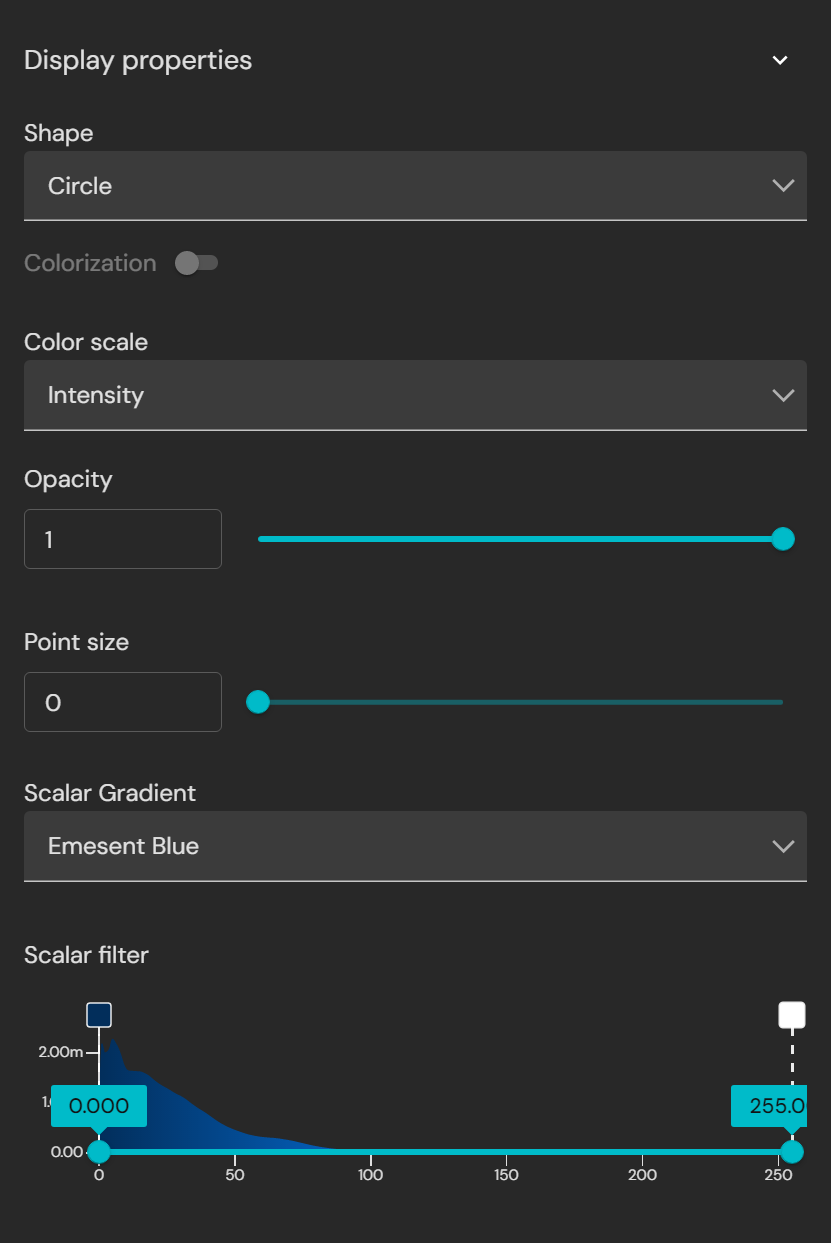
Scalar Filter controls
Adjust the visibility of points: drag and drop the blue dots along the bottom to set which points in the scale are visible.
Adjust the scale of the color gradient: drag and drop the colored square boxes along the top to define which points in the scale correspond to which colors.
Example: filtering highly reflective targets using the Intensity Color Scale.
Example: displaying variable reflectivity targets using the Color Scale gradient.

.png)
.png)
.png)
.png)
.png)
.png)