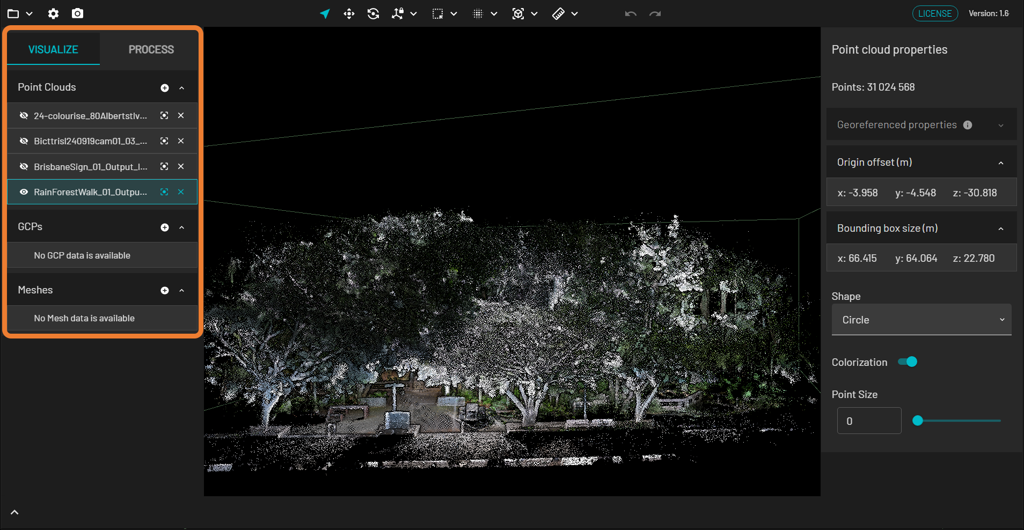
You can use the Visualize tab to see which files you have loaded into Emesent Aura. This tab is divided into three sections: Point clouds, GCPs, and Meshes.
Supported File Types
The file type determines which section in the tab your file appears in.
Point clouds: las, laz, e57, xyz, ply
GCPs: constellation.yaml
PLY is a standard mesh file format, which also serves as a supported format for point cloud data. Currently, Emesent Aura does not offer the capability to generate PLY files; it only supports the loading of third-party generated mesh PLY files.
Options
Button | Name | Action |
|---|---|---|
| Display | Shows the file the in viewport. You can display multiple files at the same time. |
| Hide | Hides the file in the viewport. |
| Remove | Removes the file from Emesent Aura. |
| Focus | Allows you to focus on this particular file in the viewport. |


Moving the Panel
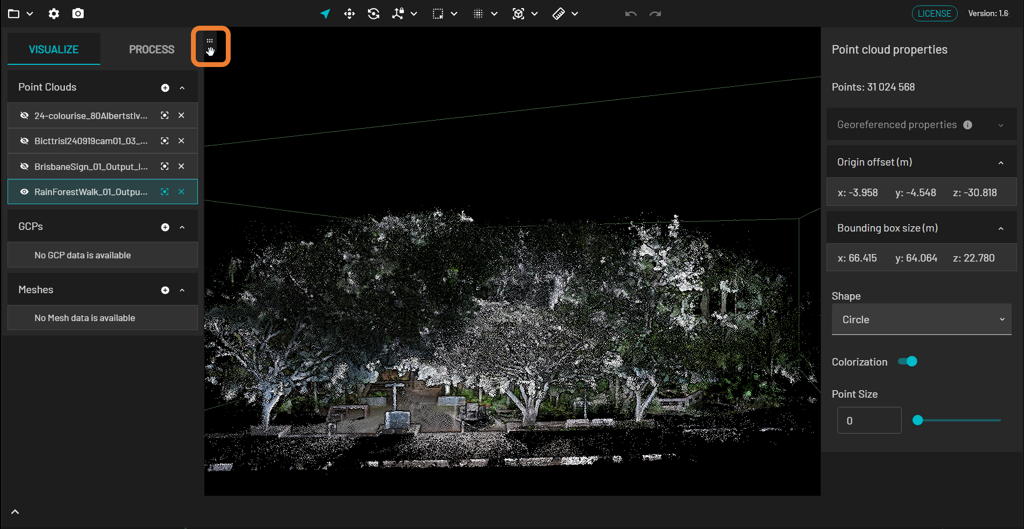
To move the panel containing the Visualize tab, hover over the upper left or right portion (depending on where it is located) until you see the Dock icon.