
This video complements the setup guide to show you how to configure and set up supported Trimble receivers for use with Emesent's Backpack or Vehicle RTK units, view the RTK status in Commander, and process your scan in Aura.
You must have NMEA activated on your Trimble receiver to use Vehicle / Backpack RTK. Please contact your local Trimble dealer to enable this functionality.
Overview
This document shows how to configure and set up supported Trimble receivers for use with Emesent's Backpack or Vehicle RTK units and then monitor and process the RTK data.
Backpack and Vehicle RTK automates high-accuracy georeferencing and drift correction for scans, allowing for rapid and precise scans without the need for ground control points.
The term "Trimble receiver", used throughout this guide, refers specifically to the Trimble devices supported by Emesent's Vehicle RTK and Backpack RTK solutions. Currently, these include the Trimble R10, R10-2, R12, and R12i receivers.
Always make sure to drive safely when operating a vehicle. Do not be distracted or use the phone/tablet to change settings while driving. Only check the GPS status when it is safe to do so.
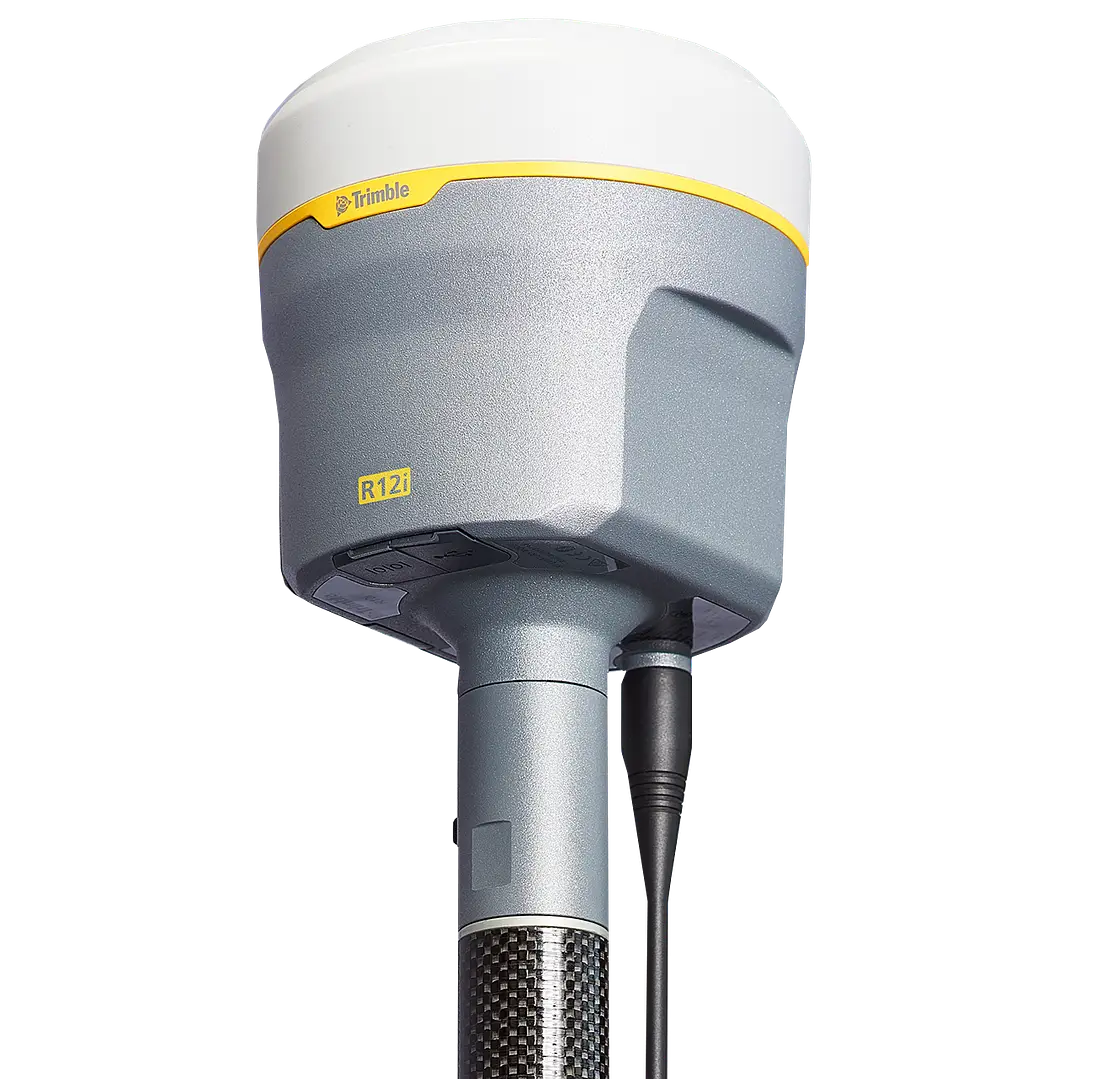
Follow the instructions in this document once you have setup your Trimble device according to Trimble documentation. This document does not cover how to perform an initial setup on a Trimble receiver or how to connect to a base station or network corrections service.
To perform these actions, please refer to the official Trimble R12i Documentation.
The Georeferencing articles and videos in Knowledge Base expand on the information and instructions presented in this document, including:
Best Practice for RTK
Troubleshooting RTK
Recommendations for Vehicle RTK
Requirements
Hardware
The following hardware is required to set up the Trimble receiver:
Software
Emesent can supply vehicle or backpack RTK kits, please see the articles Backpack RTK Hardware or Vehicle RTK Hardware for details.
Note
Raw scan data from a Hovermap that uses Emesent Cortex version 3.3 (or later) can only be processed in Emesent Aura 1.7 (or later).