
This article explains how to power the GX1 on and off.
What you will need
A GX1 with a charged battery installed (see Install and remove GX1 batteries).
Procedure
Step 1: Power on the GX1
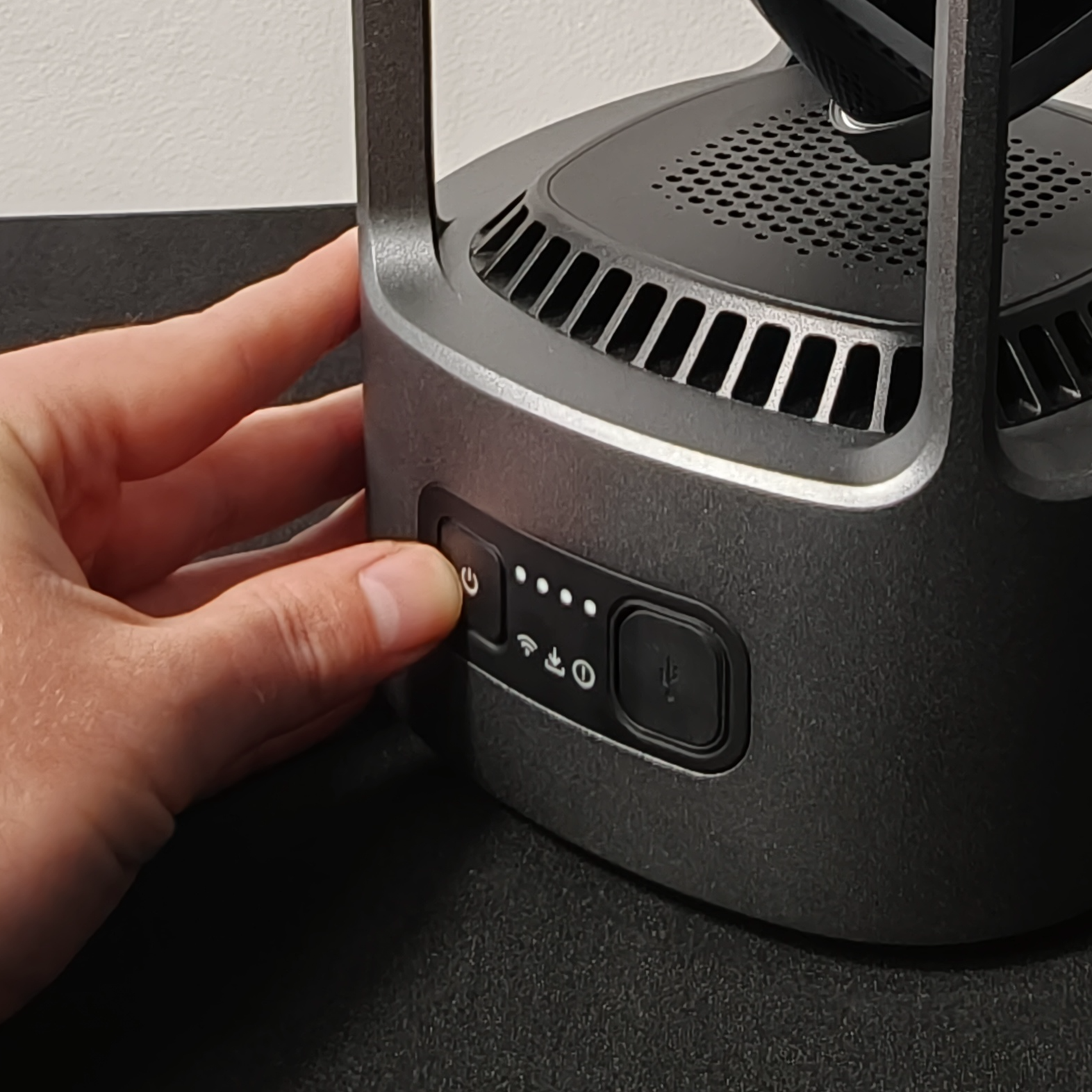
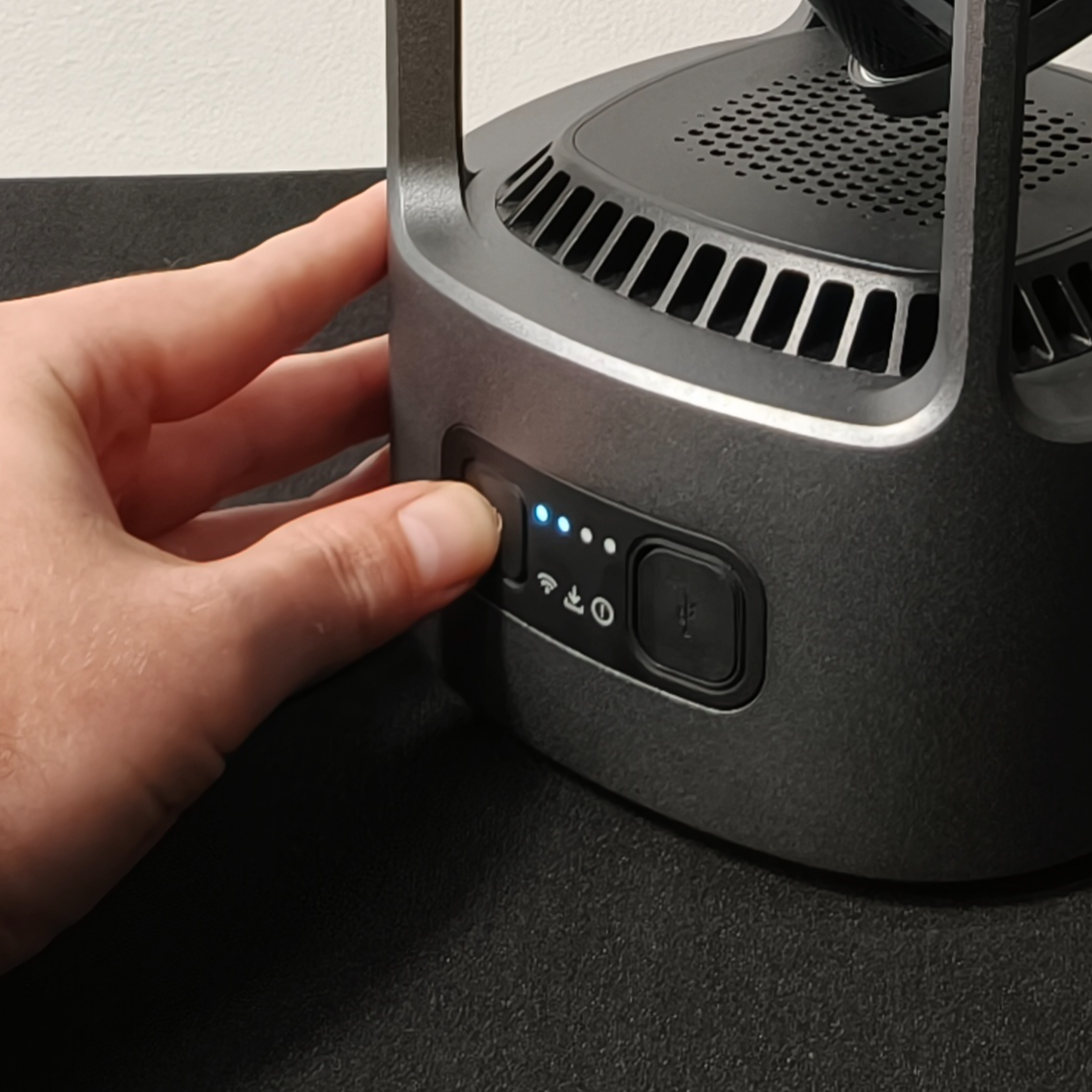
Press and hold the Power Button on the GX1 Control Panel until all the Status Indicator Lights illuminate one after another, then release.
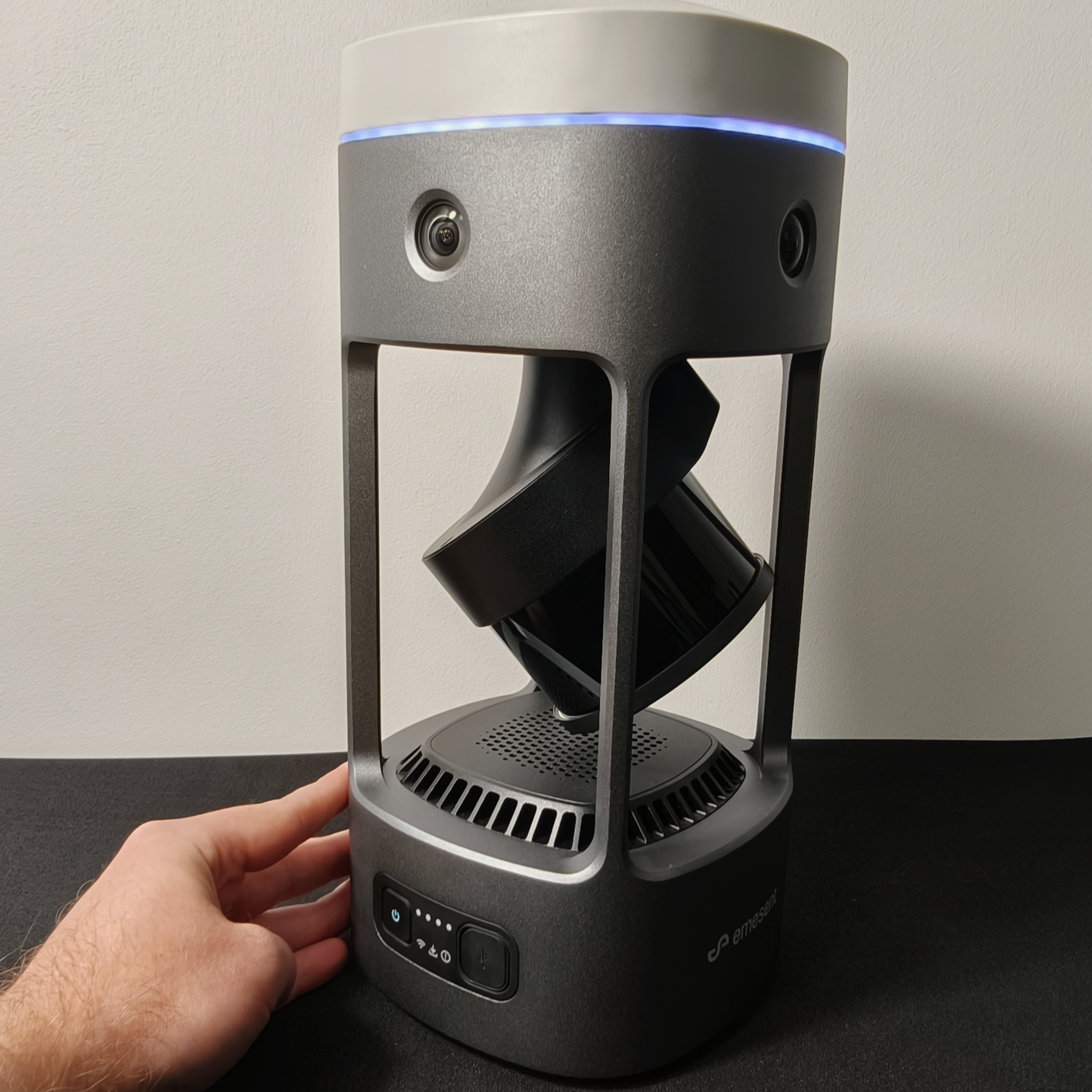
Wait approximately 1 minute for startup to complete. The GX1 is ready when the Status Indicator Ring and Power Button slow-pulse blue and the startup sound plays.
|
|
|
Step 2: Power off the GX1
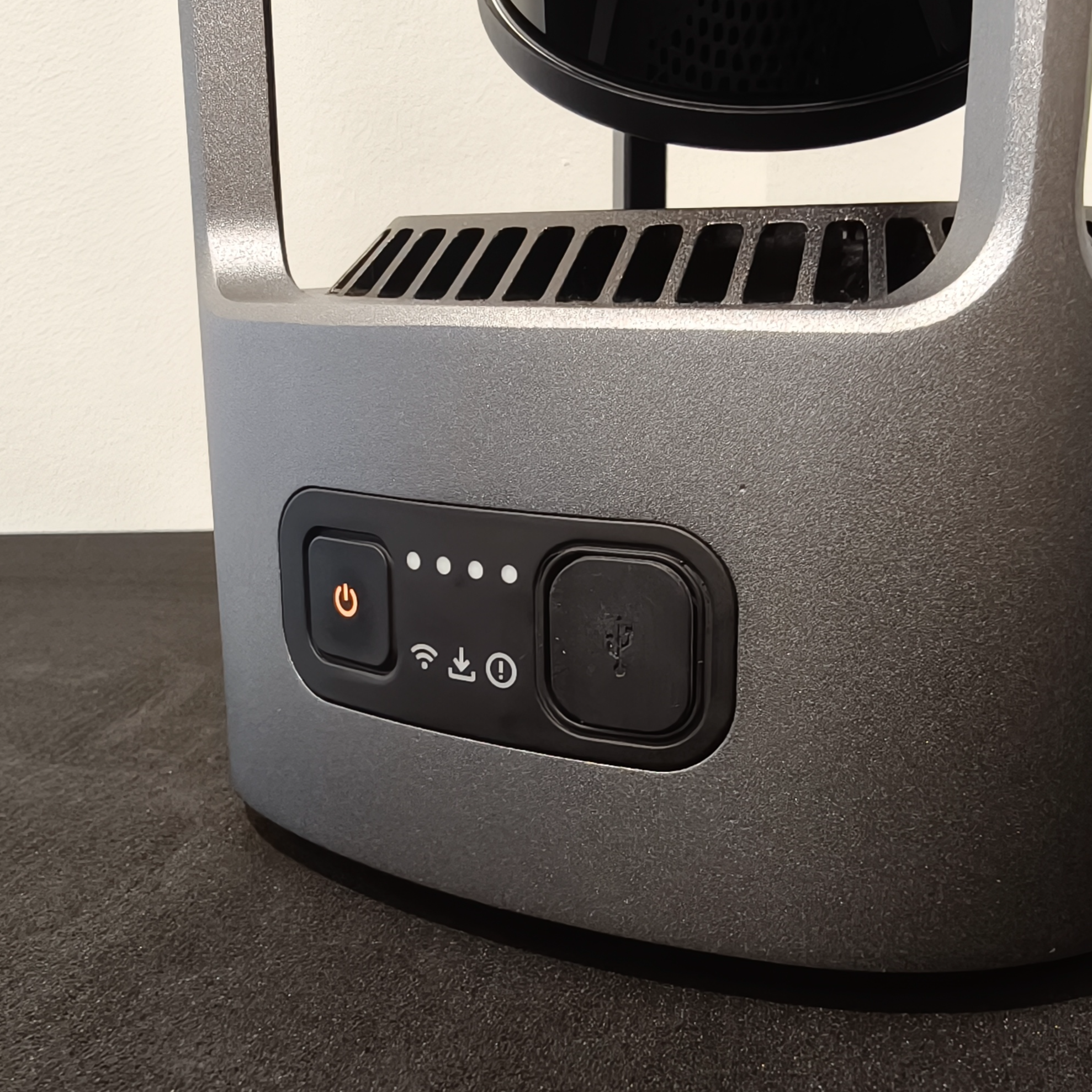
Press and hold the Power Button until the Status Indicator Lights turn off one after another and the Power Button light returns to orange.
|
|
Troubleshooting
If the GX1 does not power on:
If the Power Button isn't lit orange, the battery isn't seated or is depleted.
Check the battery is fully seated, contacts down, Battery Removal Tab at the top. See Install and remove GX1 batteries.
Press the button on the battery to check its charge. If no LEDs light, charge it or swap for a charged one. See Charge GX1 batteries.
Outcome
The GX1 is powered on and ready to connect to Commander, or safely powered off and ready for storage.
Additional information
To begin a mission after powering on, see Connect GX1 to Commander.