
This article explains how to install a SIM card in the GX1 to enable cellular connectivity.
Contact a regional Emesent partner or Emesent directly for help choosing the best SIM.
What you will need
A GX1.
A nano-SIM card.
Procedure
Step 1: Confirm the GX1 scanner is not active
Do not open the battery bay while the GX1 scanner is active. Doing so may cause data loss or hardware damage.
Confirm the GX1 scanner is not active before proceeding.
Step 2: Remove the Battery Bay Door
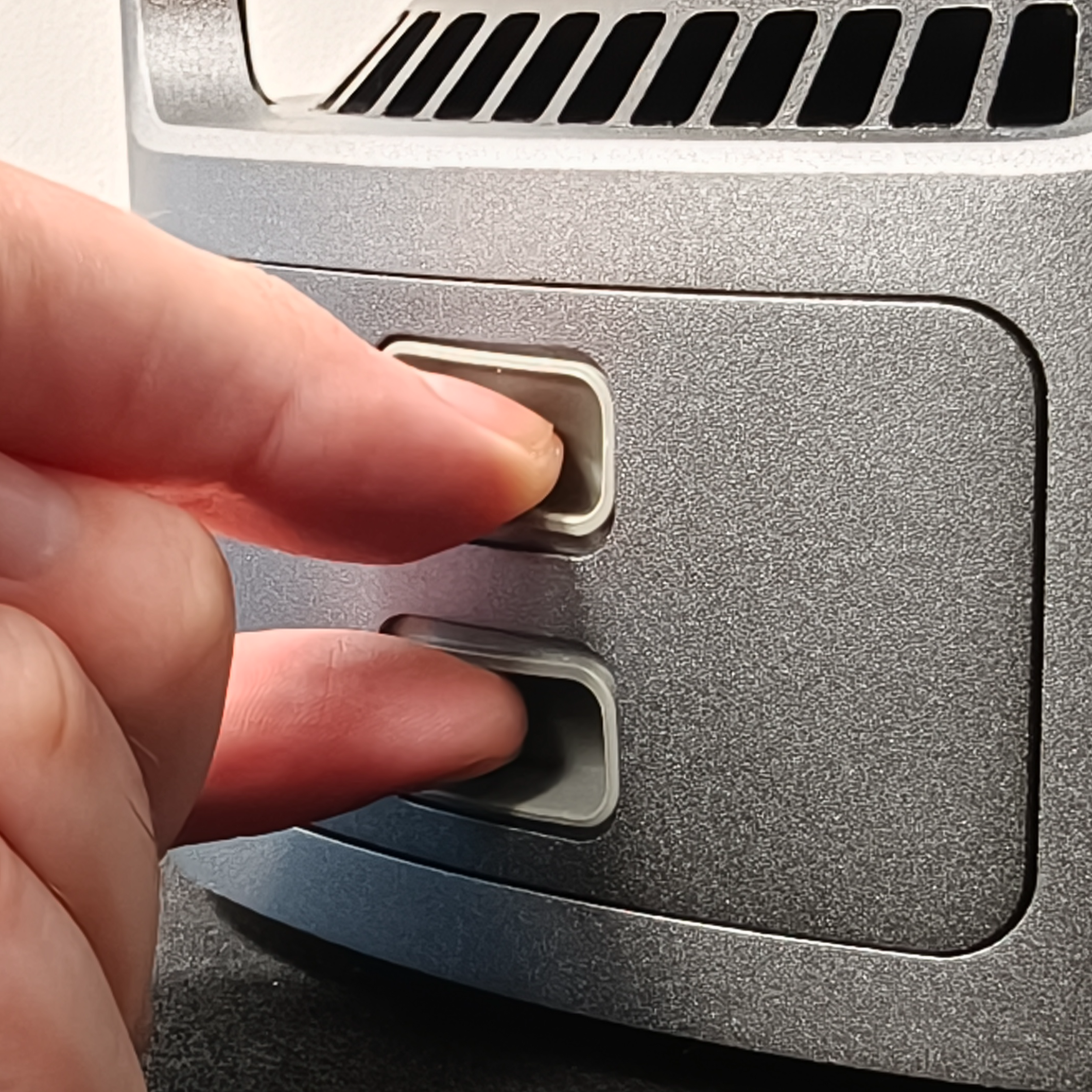
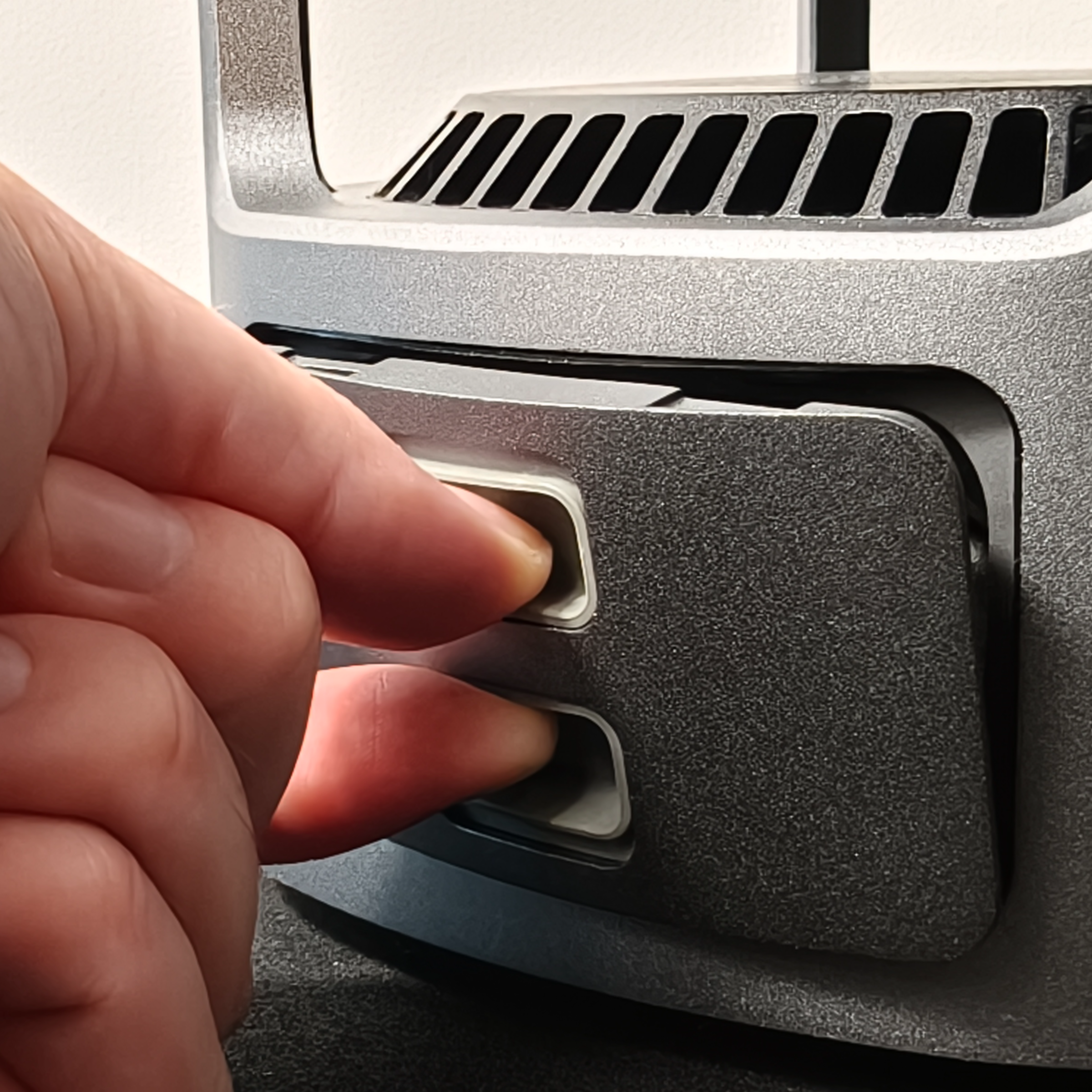
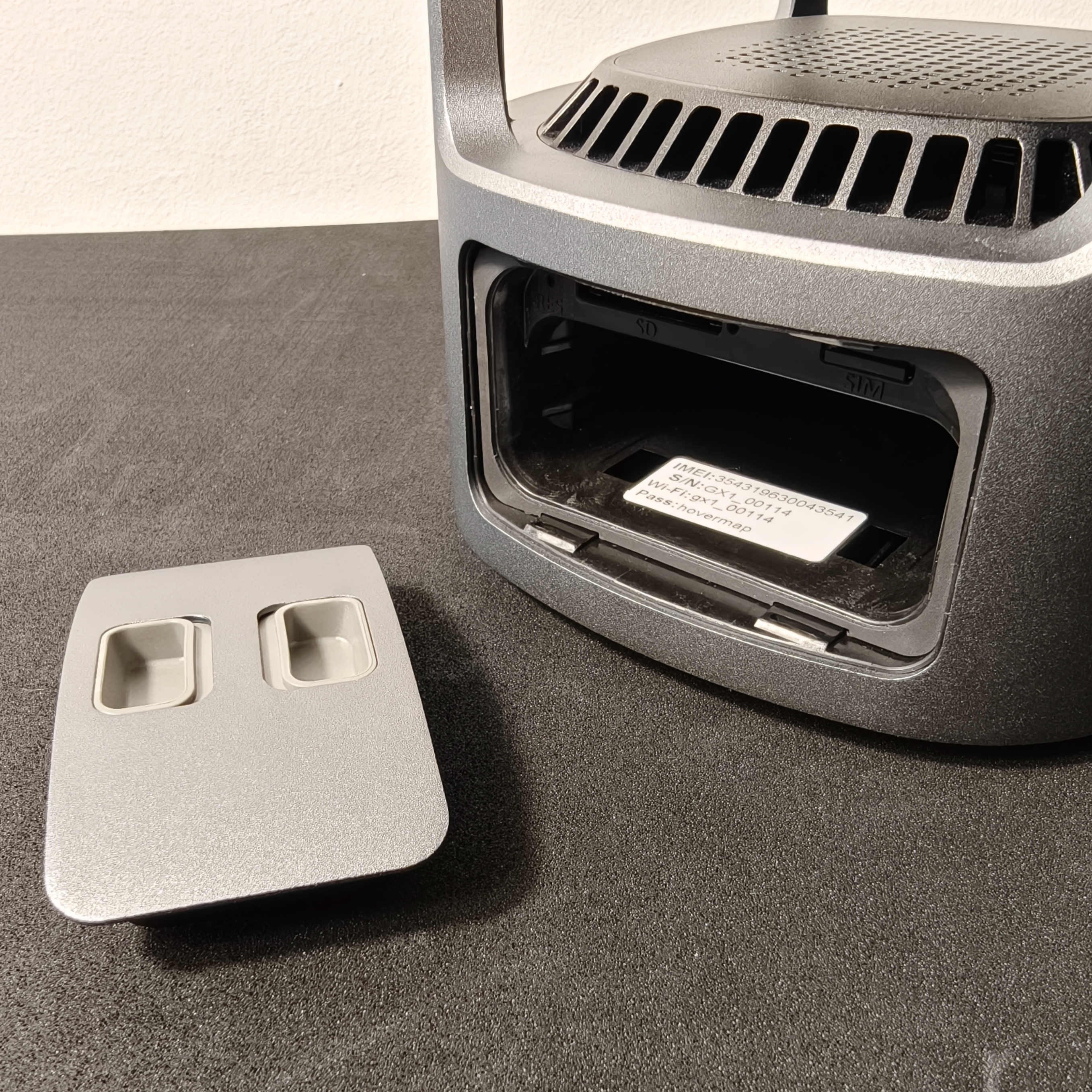
Pinch the Battery Door Actuators on the Battery Bay Door together and pull the door away from the GX1.
|
|
|
Step 3: Release the SIM card tray
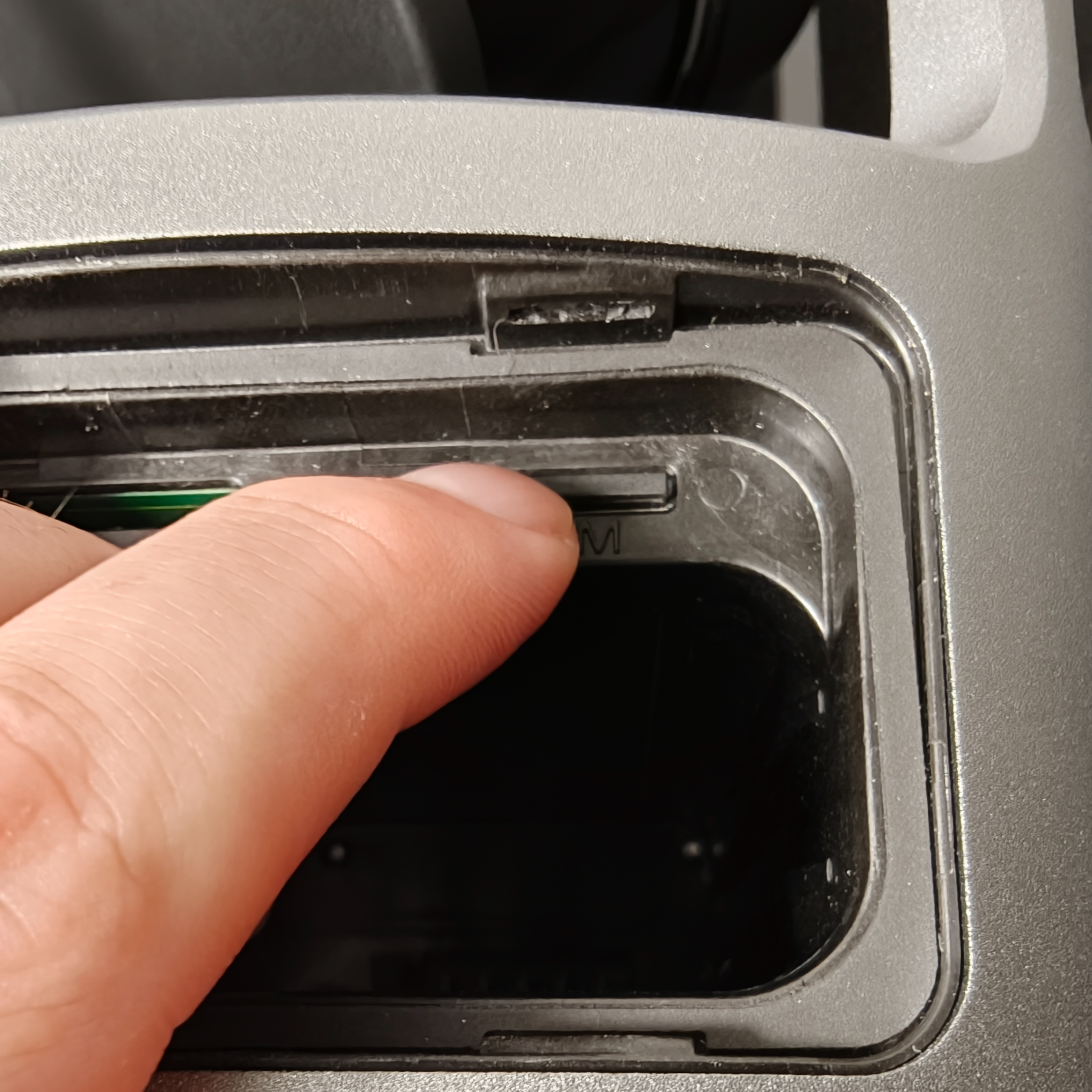
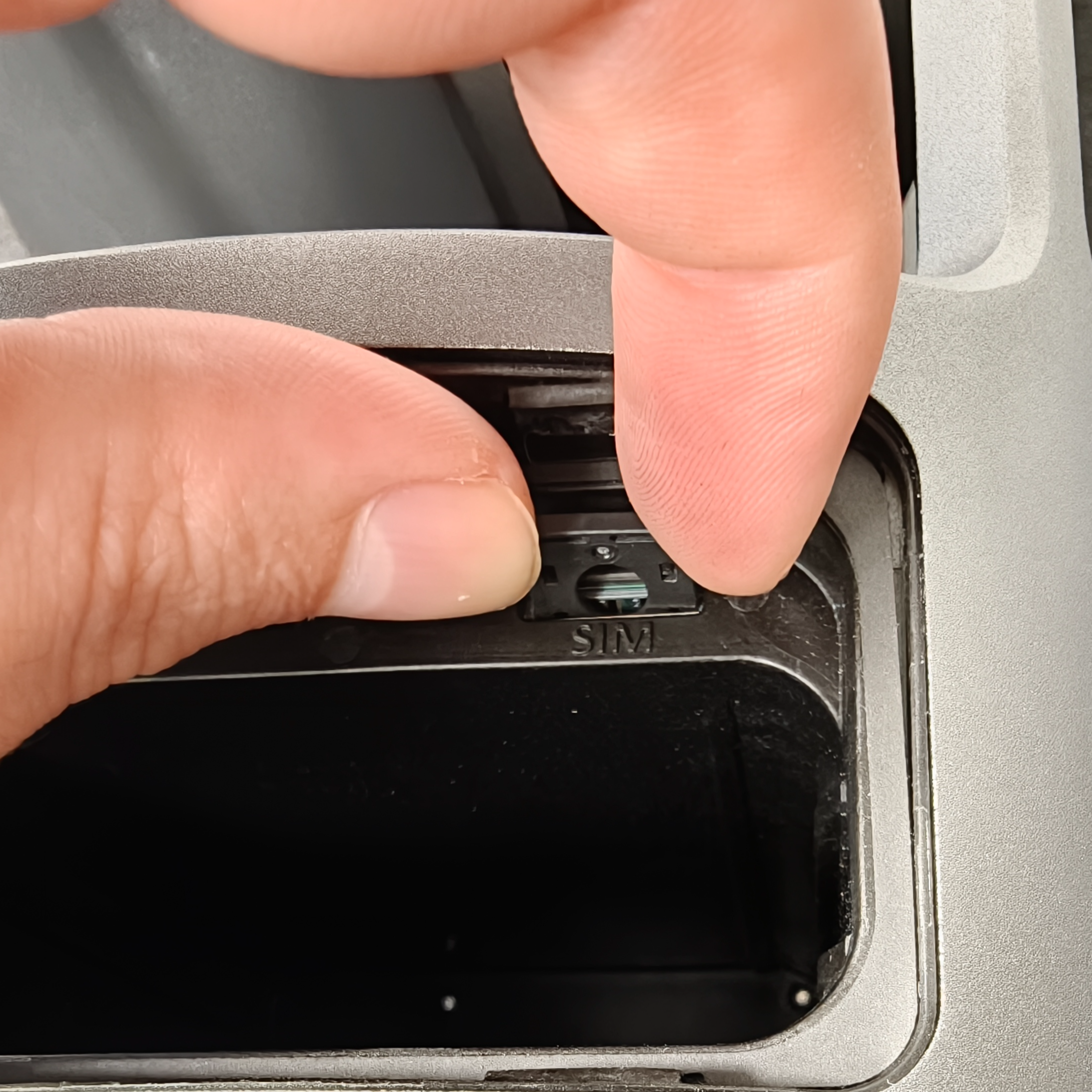
Locate the SIM card tray on the right side of the battery bay.
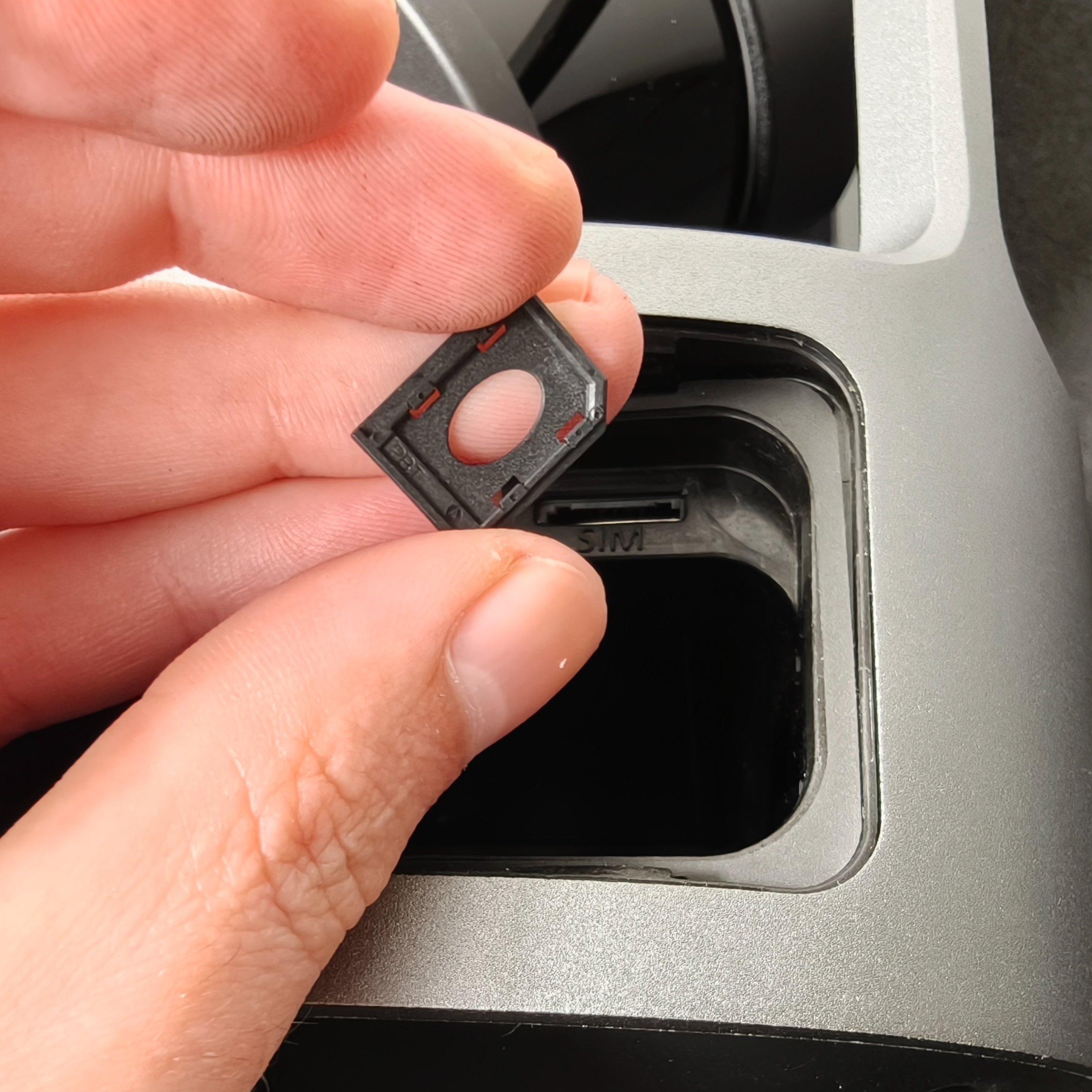
Press the SIM card tray inwards to release the spring lock. The tray clicks and pops out slightly.
Grip the SIM card tray on both sides and gently pull it outwards to remove it.
|
|
|
Step 4: Insert the SIM card
Place the nano-SIM card into the SIM card tray.
Slide the SIM card tray and nano-SIM card into the slot.
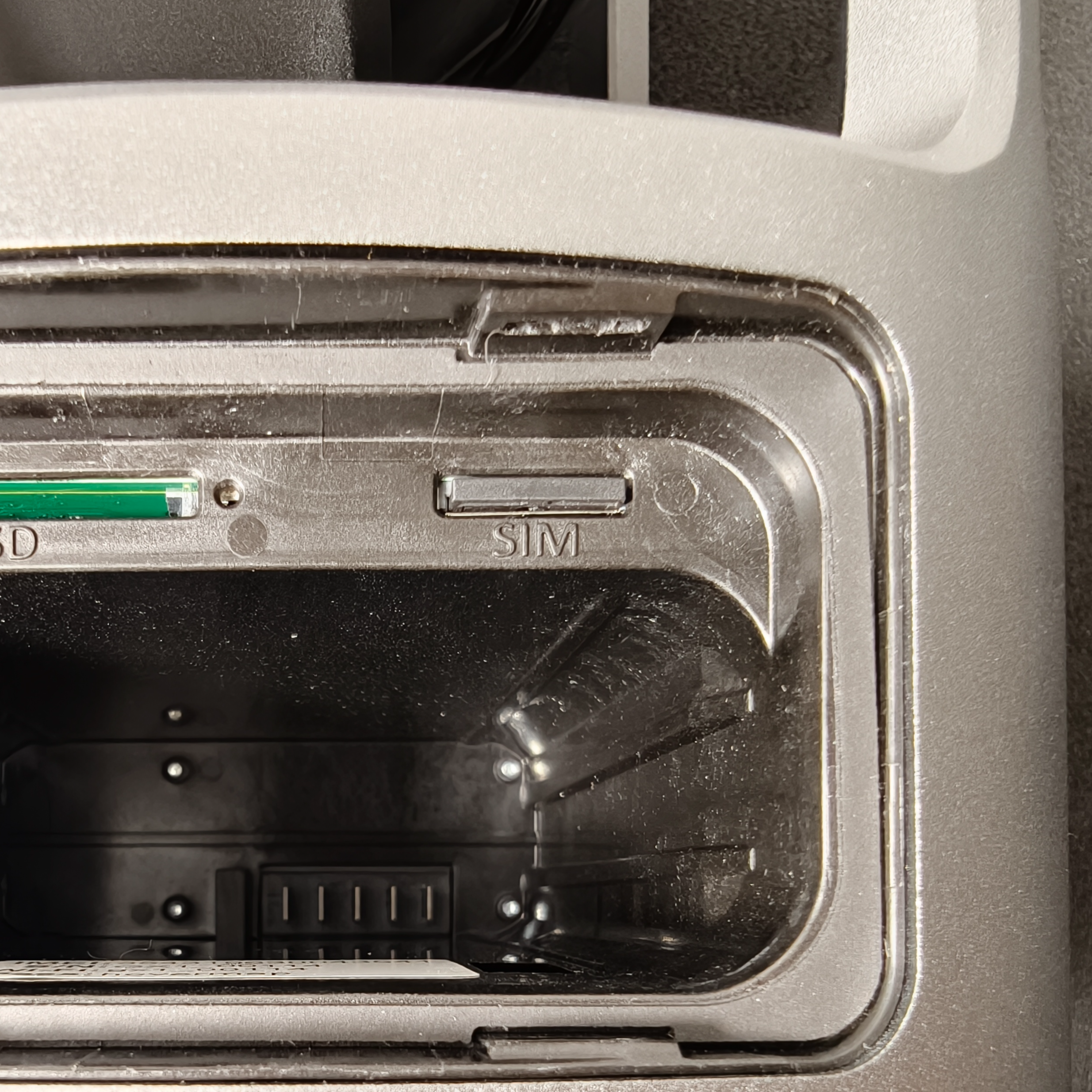
Press the SIM card tray in until it clicks. The click confirms the tray is fully seated.
|
|
|
.png)
Outcome
The nano-SIM card is installed and the GX1 connects to the network automatically. If the device does not connect, configure the SIM settings in Commander. See Configure SIM settings in Commander.