This procedure is used to permanently remove a user’s access to Aura through the User Management.
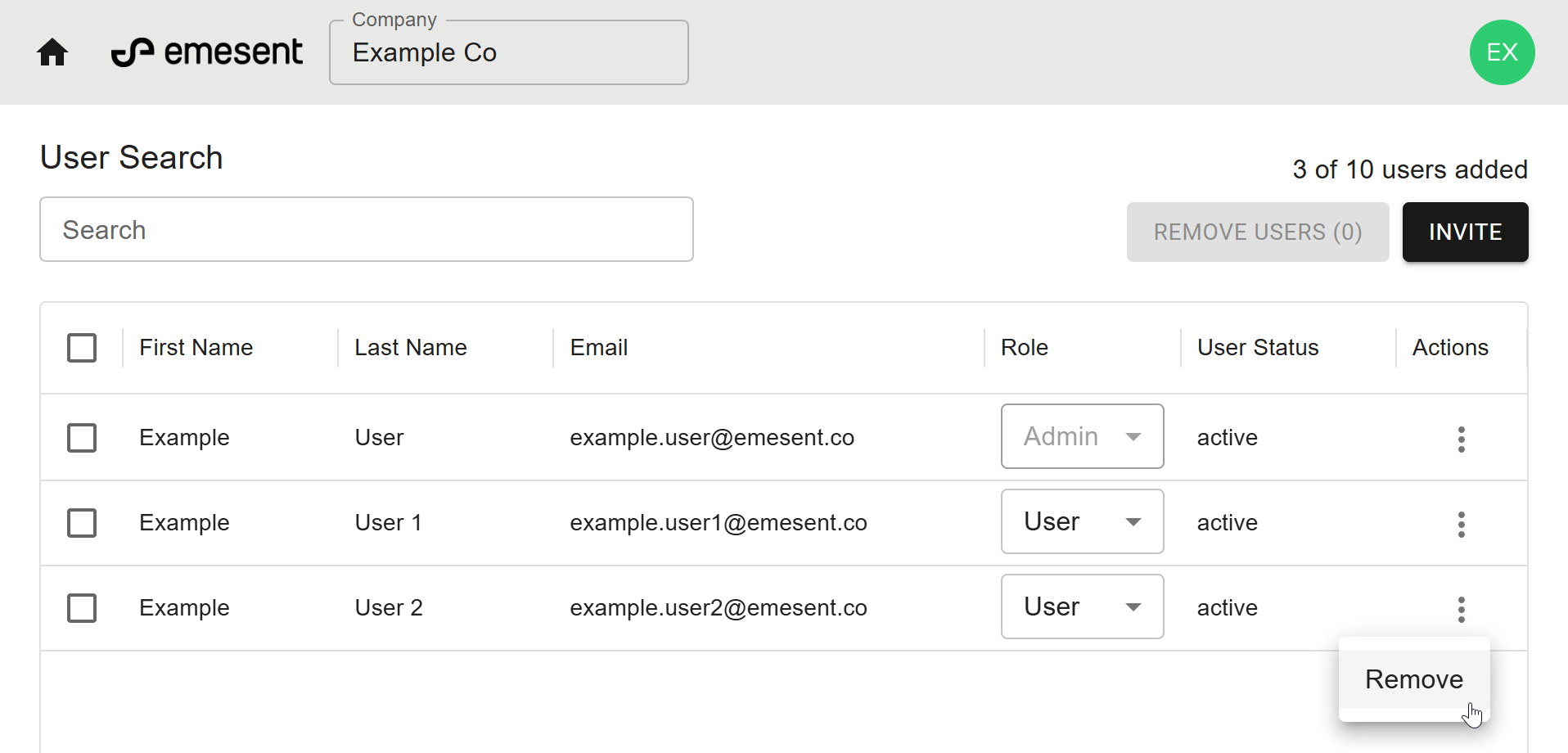
From the User Management home page, locate the user you want to remove.
Click the Actions menu (three dots in the far-right column).
Click Remove.
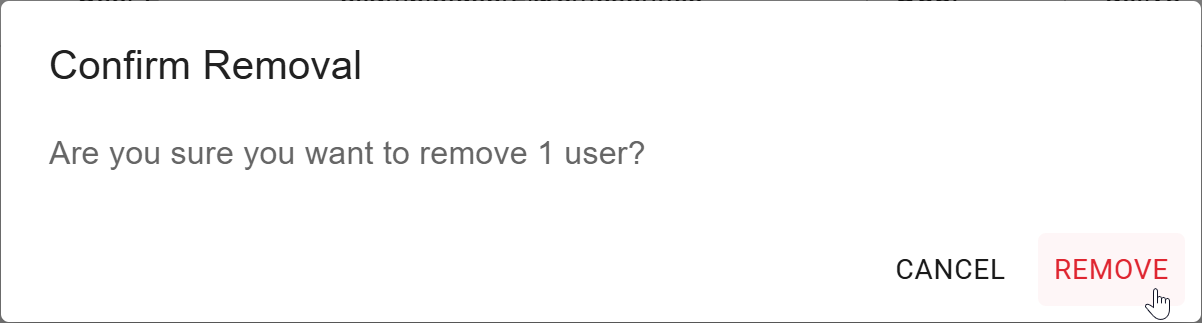
Click Remove to confirm removal to immediately remove the user’s access.