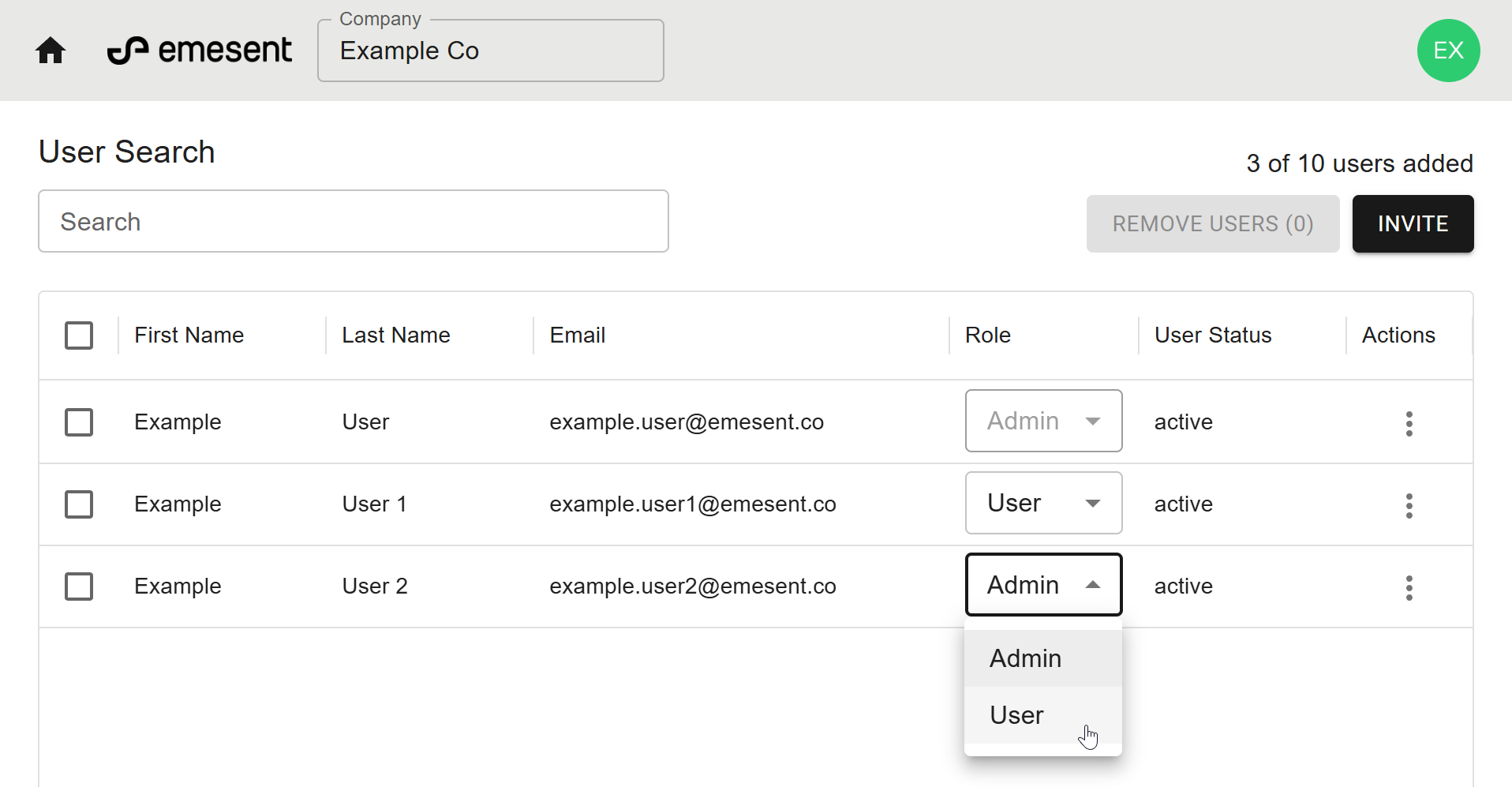
This procedure is used to update a user’s role to adjust their level of access, such as granting administrator rights or limiting access to standard user functions.
From the User Management home page, locate the user whose role you want to change.
Click the Role dropdown in the far-right column.
Select a role:
Admin: Can invite or remove users and assign roles.
User: Can access Aura but cannot manage users.
Wait a few seconds for the role change to apply.