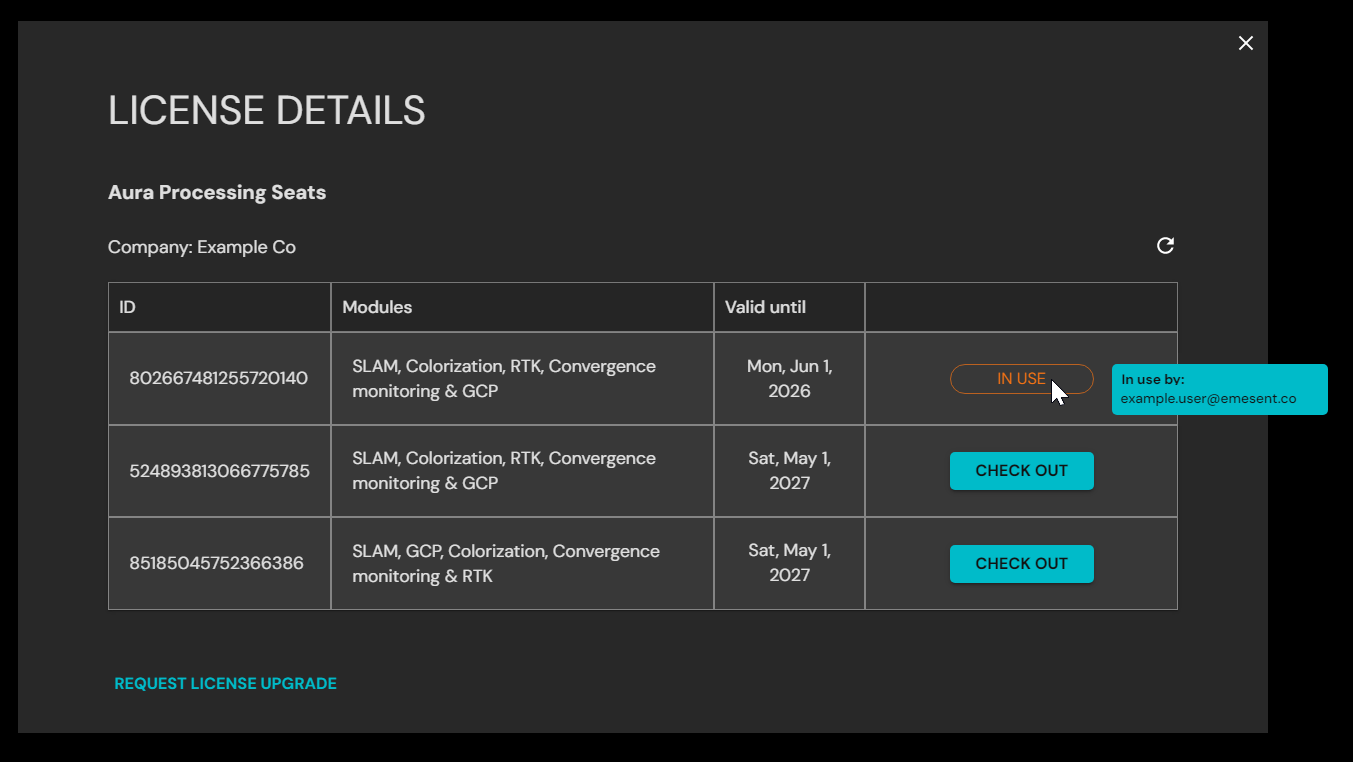
You can view details about your current license, including active modules, license ID, and expiry dates.
Open Aura.
Click the User Profile icon in the top-right corner.
Click License Details.
The License Details panel shows:
License ID
Modules assigned (e.g. SLAM, RTK, GCP)
Expiry date for each module
Checkout status (if the license is currently checked out)
Hover over a checked-out or in-use licence to see who is currently using it.